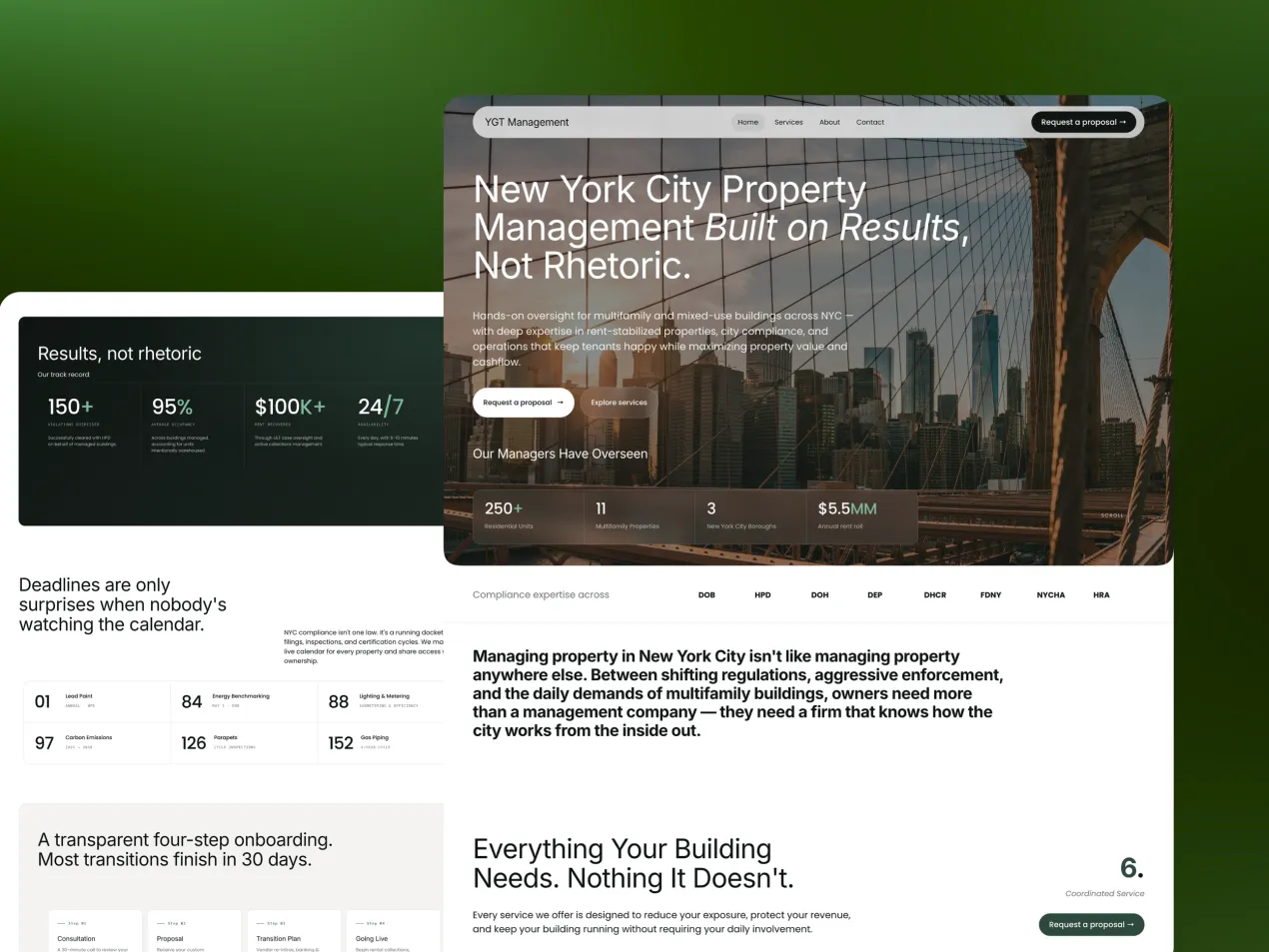
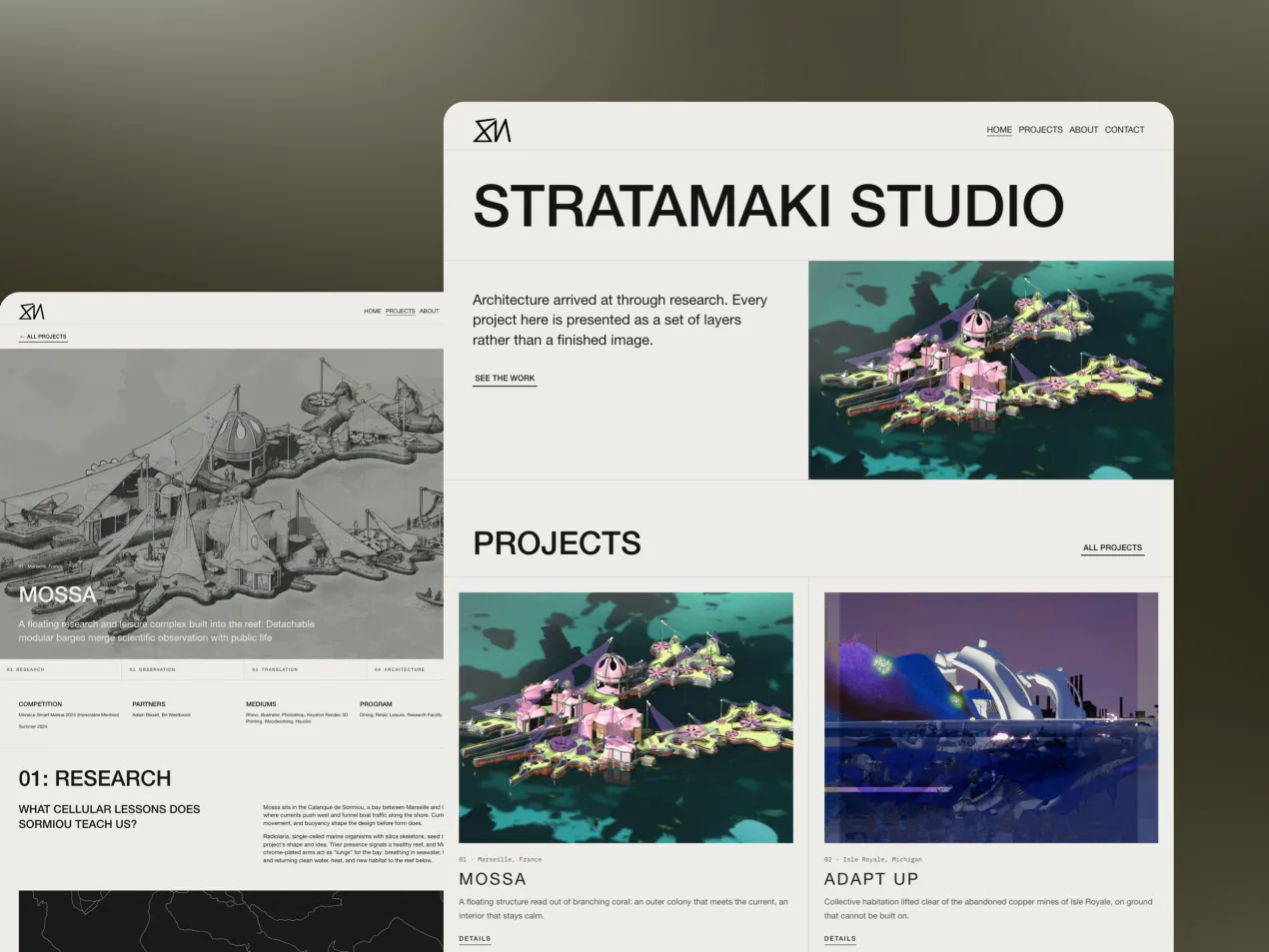
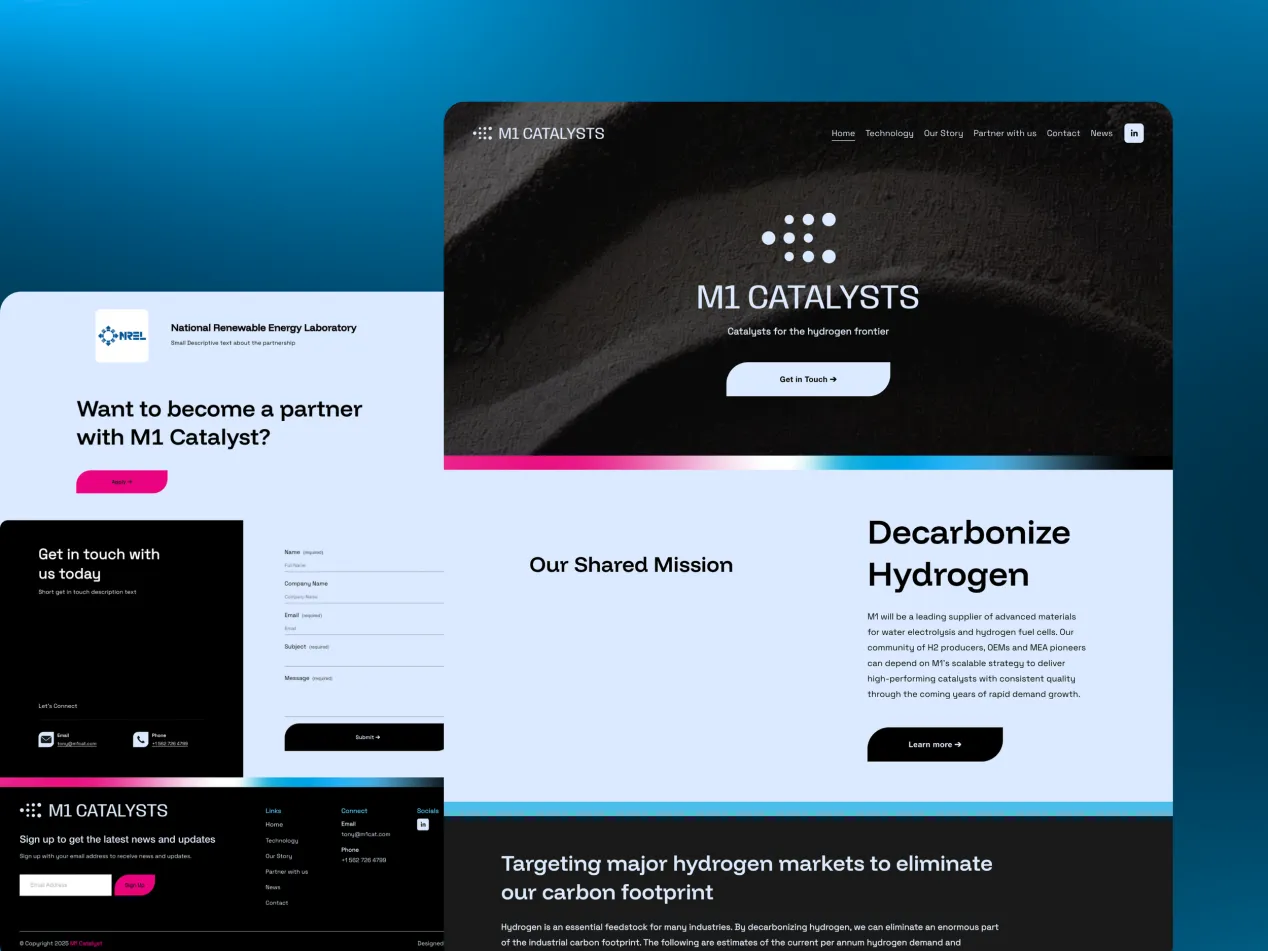




Property & constructionSites that prove the work before the first call, from planning to handover.
Every industry buys differently, so every industry gets its own page.All industries →

How to Improve Website Engagement in 2026

By Mikkel Calmann, Founder, TypzaUpdated 4 min read

On this page
  1. Why engagement is harder to earn now
  2. What engagement actually means
  3. Fix your structure first
  4. Make the page easier to look at
  5. Use story before interaction
  6. Accept that clarity turns some people away
  7. Five fixes to try first
  8. FAQ
  9. More insights

To improve website engagement in 2026, remove friction before you add features. Visitors stay when a site is easy to follow, relevant to their situation and clear about what comes next. Most low-engagement sites don't need more pop-ups or animation. They need a better order, fewer distractions and a clearer message.
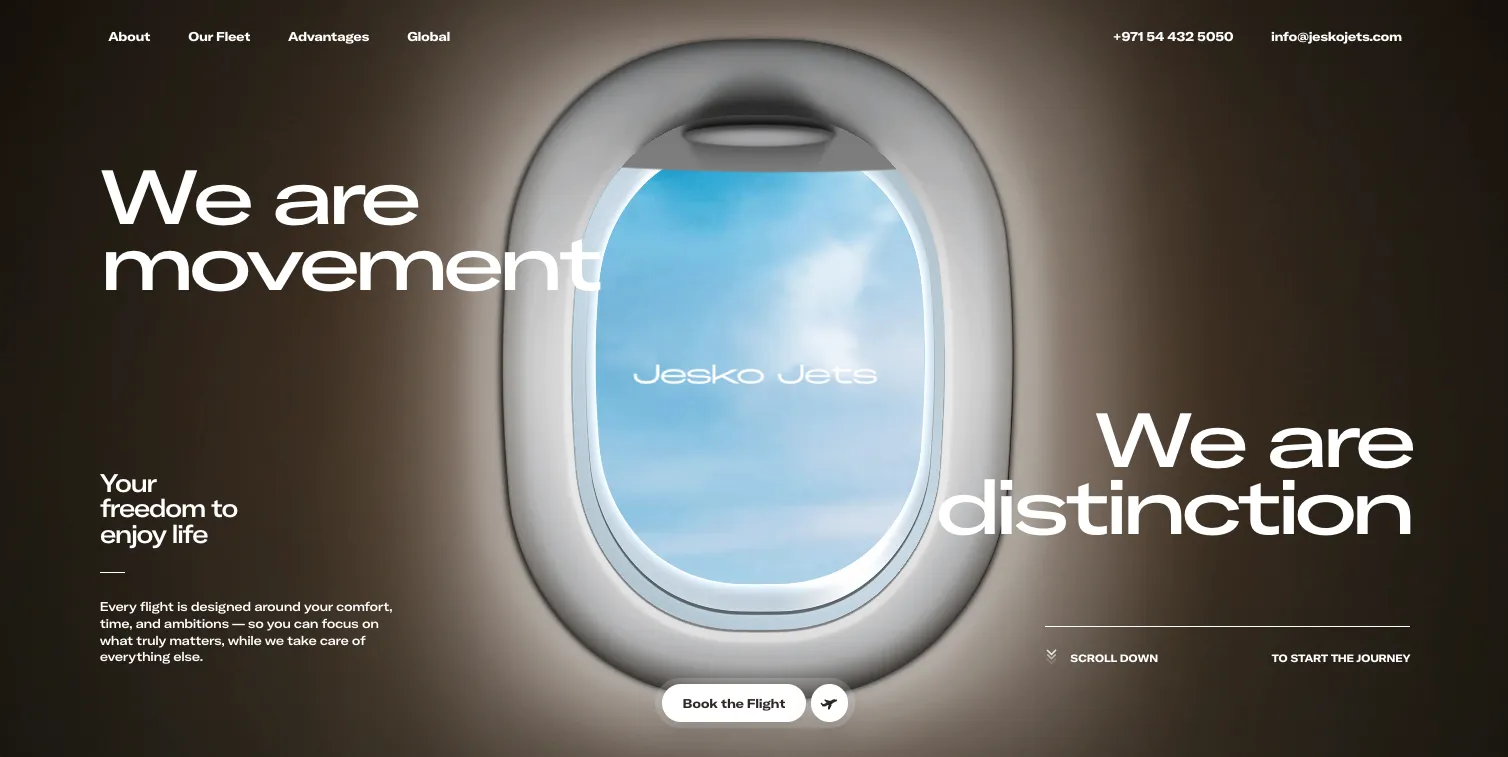
Jesko Jets website hero image

Why engagement is harder to earn now

People have learned to skim and dismiss quickly, and many websites look interchangeable. If yours feels generic, overloaded or unclear, people decide to leave before they read your copy or weigh your offer.

Adding novelty rarely fixes this. Visitors engage when a site feels relevant to their problem and clearly made by people who understand it. They pick up on that from the design first, then from the structure and words.

What engagement actually means

Forget raw clicks. Useful engagement means people read deeper, move through more of the page and take a meaningful action. In Google Analytics 4, start with engaged sessions, average engagement time, scroll depth and the number of visitors who reach your contact or booking step.

Read those numbers in context. A short visit to find your phone number can be a success, while a long visit can mean someone got lost. Look at them by page and traffic source, then watch how people behave on your most important pages.

Fix your structure first

Structure decides how long attention lasts. Strong visuals won't save a page if visitors can't tell what matters or where to go next.

Make each section answer a question that the previous one raised, and reveal detail gradually instead of all at once. Mix denser sections with lighter ones so the page has rhythm. Before you change a word of copy, try reading only your headings. If they don't tell a clear story, start there. Our guide to website structure covers this in more detail.

Make the page easier to look at

Many sites lose attention because they ask for too much focus at once. Use space deliberately, limit competing colors and let your type do its job. When fewer elements compete, people slow down and read each one more carefully.

Speed belongs here too. A slow page ends engagement before it starts, especially on a phone. Compress your images, remove scripts you don't need and test on a real device.

Use story before interaction

Quizzes, sliders and animations can help, but they aren't the main driver of engagement. A clear story usually works better. Think like an editor: set the context, build the argument and finish with a resolution.

Here's a simple order for a service page. Name the problem, show you understand it, explain your approach, prove it with a real result, then invite the next step. Visitors keep reading because each part leads to the next.

Accept that clarity turns some people away

Every visitor isn't your buyer. A clear page tells the wrong people quickly that you're not for them. Some will leave sooner, and your bounce rate may even rise, but the people who stay are more likely to read on and get in touch.

Judge your changes by the quality of your enquiries as well as your engagement numbers. If time on page falls but better clients are contacting you, the change worked.

Five fixes to try first

  • Rewrite your hero so a stranger understands what you do in five seconds.

  • Cut each page's sections to the ones that answer a real buyer question.

  • Remove pop-ups that appear before someone has read anything.

  • Add internal links at the end of each section to the next logical page.

  • Replace general claims with a specific example or client result.

Make one change at a time, and compare results over a few weeks so you know what helped.

FAQ

What's a good engagement rate?

A good engagement rate varies by industry, traffic source and page type, so we'd compare your site with its own past numbers instead of a general benchmark. Rising engagement on your key pages is the goal. Read the numbers in context. A short visit to find your phone number can be a success, while a long visit can mean someone got lost.

Do animations improve engagement?

Animations only improve engagement when they help people understand something or guide their eye. Decorative animation can distract visitors and slow your site down. Adding novelty rarely fixes low engagement anyway. To improve website engagement, remove friction first: give the page a better order, fewer distractions and a clearer message.

How quickly will changes affect engagement?

You can often see behavior change within a few weeks, depending on traffic. Low-traffic sites need longer before the numbers mean much. Judge changes by the quality of your enquiries as well as by engagement numbers. If time on page falls but better clients are contacting you, the change worked.

Is a high bounce rate always bad?

No, a high bounce rate isn't always bad. In GA4, a bounce is a session that wasn't engaged. It's a concern on a sales page, but less so if someone found what they needed quickly or wasn't your target client. A clear page tells the wrong people quickly that you're not for them. Your bounce rate may rise, but the people who stay are more likely to get in touch.


More insights

7 Ways to Get Your Business Recommended by AI

8 min

ChatGPT just recommended your competitor, and it probably wasn't because they're better. Their website was just easier for AI to read. Here are 7 fixes that change that.

10 Minimalist Luxury Websites for Design Inspiration

11 min

From The Row to Aman Resorts, these 10 minimalist luxury websites prove that restraint, not decoration, is what makes a brand feel expensive.

Your Website Might Be Pushing Visitors Away

11 min

A website can look attractive and still be quietly driving visitors to your competitors. Here's how to spot the functional issues hiding behind good design.

The Hardest Lesson We Learned in Web Design

12 min

Skipping clear expectations with clients almost sank our early web design projects. Here's the process we built after learning that lesson the hard way.

Website Features That Are Killing Your Sales

11 min

Flashy features like auto-play video and stacked pop-ups feel modern, but they're often the exact thing driving your visitors away before they convert.

The Trick That Made Our Websites Convert Better

12 min

One of the simplest conversion fixes is also the most overlooked: make your call-to-action actually look and read like a button, not a suggestion.

The Website Feature We Used to Love (But Don't)

11 min

Animations once felt like the mark of a modern website, until we noticed they were slowing sites down and pulling attention away from what actually converts.

The One Page Every Website Needs to Convert

10 min

Homepages and service pages get all the attention, but the page most businesses are missing entirely is the one that actually builds trust: a case studies page.

The One Website Investment Every Business Needs

9 min

With a limited budget, skip the flashy extras, the highest-return investment for any website is clear UX and high-quality visuals.

A Quick Fix That Instantly Improves Your Website

11 min

You don't need a redesign to see real improvement, these four small, fast fixes can noticeably boost how your website performs today.

The Detail That Makes a Website Look High-End

12 min

Flashy effects don't make a website feel premium, consistent color, clean typography, and generous whitespace do. Here's why that small discipline matters so much.

The Biggest Misconception About Web Design

11 min

A gorgeous website that loads slowly and confuses visitors will always lose to a plainer one that performs. Here's why looks are the wrong priority.

How to Add a Video Background in Squarespace

7 min

A video background can make your Squarespace site feel dynamic and premium, if it's set up right. Here's the step-by-step process and the pitfalls to avoid.

How to Create a Squarespace Duplicate Website

8 min

Squarespace has no one-click "duplicate site" button, but there are safe, reliable ways to clone your site for testing, backups, or new projects.

Is Squarespace Better Than WordPress?

9 min

Squarespace and WordPress solve very different problems. Here's an honest, side-by-side breakdown to help you pick the platform that actually fits your goals.

WordPress to Squarespace Migration Guide

8 min

Moving off WordPress doesn't have to risk your rankings or your content, follow this step-by-step migration plan to switch platforms cleanly.

How to Add HTML to Squarespace (3 Methods)

8 min

Need more control than Squarespace's blocks allow? Here are the three safe ways to add custom HTML to your site, and the mistakes that break pages.

How to Download Images From Squarespace

8 min

Squarespace has no built-in "download all" button for your images. Here's the safe workaround to recover full-quality files whenever you need them.

10 SEO Squarespace Tips to Boost Visibility

12 min

A beautiful Squarespace site won't rank on its own, these 10 practical SEO tips help turn your design into organic traffic.

How to Become a Web Designer: Beginner Guide

9 min

Thinking about a career in web design? Here's the realistic, step-by-step path from design fundamentals to a portfolio that actually gets you hired.

Squarespace Website Not Working? Full Fix Guide

8 min

When your Squarespace site goes down or starts acting strange, the cause is almost always one of a handful of predictable culprits. Here's how to find and fix it fast.

How Long Does It Take to Build a Website? 2026

9 min

A simple site typically takes about three weeks and a bigger one about five, but that estimate only holds if feedback comes back fast. Here's the real timeline, stage by stage.

Why Photos on Your Business Website Matter

8 min

Photos on your business website aren't decoration, they're often what decides whether a visitor keeps reading or leaves. Here are six real reasons they matter.

Mobile-First Website Design: Beginner's Guide

9 min

Mobile-first website design just means building for a phone screen first, then working up to bigger screens. It sounds like a small technical detail, it isn't.

Why Website Visitors Leave Without Contacting You

9 min

Website visitors leave without contacting you for one boring reason far more often than any exciting one: you never gave them an obvious way to. Here are six fixable causes.

7 Things to Look for Hiring a Web Designer

10 min

It's hard to judge a web designer until after you've already paid them. Here are seven things to check beforehand so you don't find out the hard way.

7 Things to Prepare Before a Website Project

9 min

Most website project delays trace back to one thing: nobody prepared what the designer actually needed before the project began. Here are seven things to sort out first.

Custom Website vs Template: Which to Pick?

8 min

A template and a custom website can both technically get you online, the honest difference shows up later, once you're trying to stand out and convert, not just be found.

How to Match Your Website to Your Brand (2026)

8 min

Matching your website to your brand doesn't mean an exact copy of your logo file. Here's what genuinely needs to stay fixed, and where print-first brand guidelines have room to flex on screen.

Professional Website Cost: What to Budget in 2026

9 min

"It depends" isn't a dodge, a professional website's cost genuinely hinges on scope, copywriting, and features. Here's what actually drives the price, and what to budget beyond the initial quote.

Previous

Does Your Real Estate Website Need Full IDX, or Is It Actually Hurting You?

How does your website score?

Enter your address and email. You get scores for speed, search, accessibility and trust in about a minute, and the full report by email.