



Templates are quick and cheap, but your competitor can use the same one. Here's what you get with each, and when it's worth paying more.
1. What it costs you to get this wrong
The wrong choice here doesn't usually break anything right away. It shows up months later, when you notice your site looks a lot like your competitor's down the street, or when you've outgrown what the template can actually do and there's no easy way to change it without starting over from scratch.
The slow-motion nature of this cost is exactly why it's easy to ignore at the start. A new business watching every dollar has plenty of good reasons to choose the cheaper, faster option, and nothing about that decision looks wrong in month one. The problem is that the underlying tradeoff doesn't change as the business grows, it just becomes more expensive to fix, because by the time it's obvious, there's also a working site, existing search rankings, and real content that all need to be carried over into whatever comes next.
2. What a template website actually is
A template is a pre-built design that anyone can pick, then fill in with their own text, photos, and colors. Platforms like Squarespace offer dozens of these, and thousands of businesses use them every year.
The appeal is obvious. Templates are fast, inexpensive, and require no design decisions beyond picking one you like and swapping in your own content, which makes them a reasonable choice for a business just getting off the ground.
The tradeoff is equally simple. Every template is available to anyone, including the business down the street offering the exact same service as you, using the exact same layout with a different logo pasted in.
3. What a custom website actually is
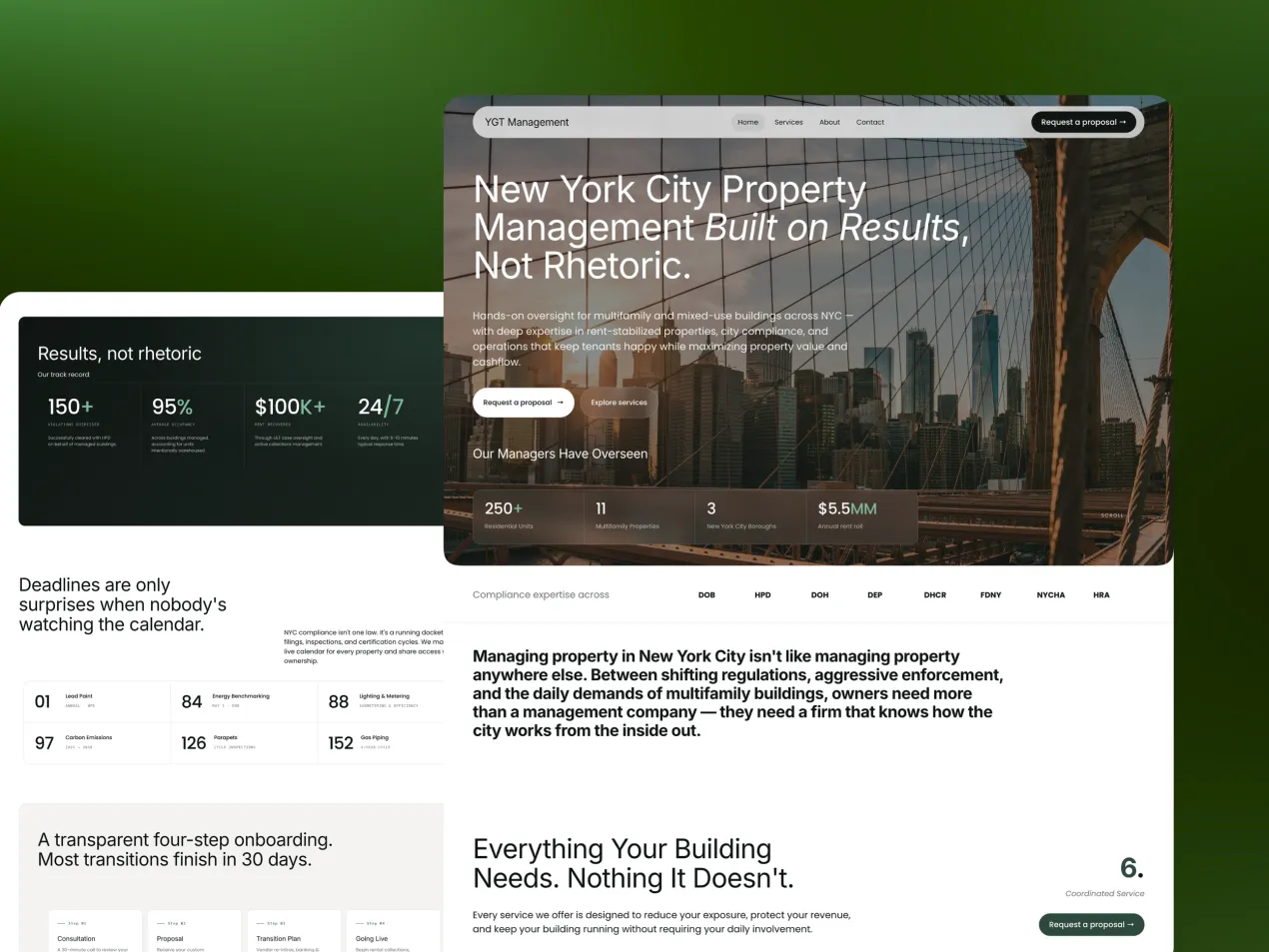
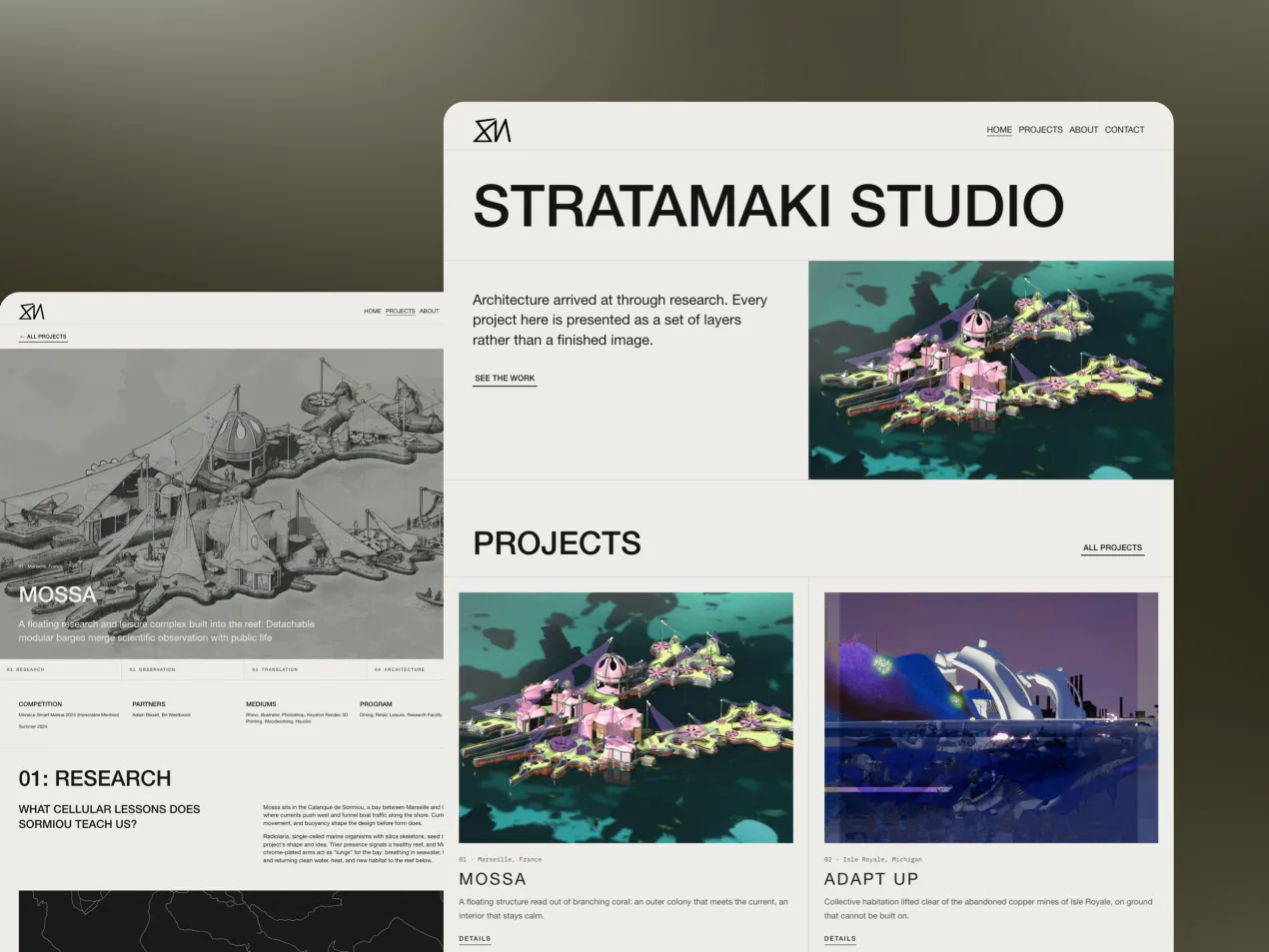
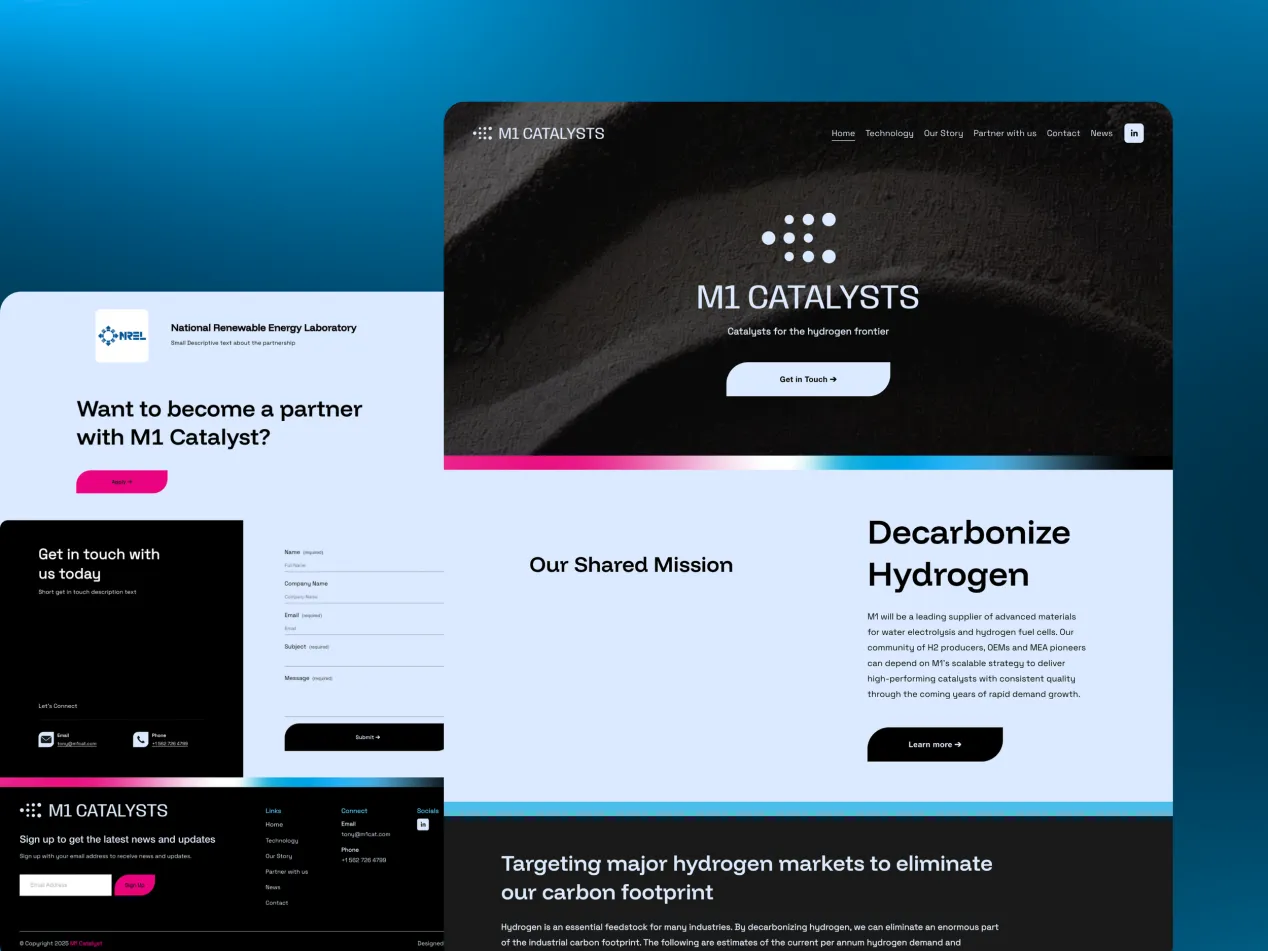
A custom website is designed from scratch around your specific business, your specific customers, and what you specifically want visitors to do when they land on the page.
Nothing about the layout, the colors, or the structure comes from a shared starting point. It's built to reflect your brand rather than adapted from someone else's template, which means every decision on the page exists because it serves your business specifically.
That specificity costs more time and money upfront, but it's also the whole point. A custom site is built to work the way your business actually works, not the way a generic template assumes every business works, which matters more the longer you've been refining exactly how you sell.
It's worth being precise about where that extra time actually goes, because "custom" can sound vague otherwise. It goes into understanding your specific sales process well enough to design a page structure around it, into sourcing or shooting photography that represents your business rather than a generic industry stock library, and into writing copy that reflects how you actually talk to clients rather than filling a template's placeholder text with your own words. None of that is decorative. All of it directly affects whether a visitor trusts what they're looking at.
4. Standing out from your competitors
Here's the part most comparisons skip. If two businesses in the same industry both pick a popular template, and both keep the default layout with just their own logo and colors swapped in, they end up looking remarkably similar to any visitor comparing them side by side.
This matters because differentiation is a real part of how customers choose between similar options (source). If your website looks like everyone else's, you're competing on price or luck, since the site itself isn't doing anything to set you apart from the next name on the search results page.
A custom site is built specifically so you don't look like your next door neighbor. It's the difference between wearing an outfit off the rack and one tailored to fit, both technically clothe you, only one is built around you specifically, and it shows the moment someone looks closely.
We've watched this play out directly with clients in competitive local markets, two contractors, two clinics, two boutique studios within a few miles of each other, both starting from the same template a year earlier. The one that eventually invested in a custom rebuild consistently reported that prospects mentioned the website specifically during the first conversation, unprompted, as a reason they reached out. The one still on the shared template rarely heard the website mentioned at all, for better or worse, it simply wasn't doing any work to distinguish them.
5. How much room each option has to grow with you
A template works within the structure it was built with. If your business needs something the template doesn't support, a booking flow, a specific layout, a particular way of showcasing your work, you're limited to what's available in that template's settings panel.
This matters more the longer you're in business. What works for a business just getting started often doesn't fit a business that's scaled up, added services, or refined exactly how it wants to sell. This is often the point where a business moves from a template into a full Rebuild.
A custom site is built around your actual sales process from the start, which means it can act more like a full-time team member working around the clock, guiding visitors toward exactly the next step you want them to take, rather than a generic layout doing its best to fit your business into its shape.
6. Cost and timeline compared
Templates are the cheaper, faster option, and that's a legitimate reason to choose one. If your budget is genuinely tight and you need something live quickly, a well-set-up template is a reasonable way to get off the ground without overextending yourself.
Custom websites cost more and take longer, since every page is designed and built around your specific business rather than adapted from an existing layout. That investment tends to pay off once you're past the early stage and focused on standing out and converting more of the visitors you already have, rather than simply getting a page live.
A useful way to frame the comparison isn't just upfront cost, it's cost per qualified inquiry over time. A template that converts at a lower rate but costs less upfront can still end up more expensive per client acquired once you factor in a year or two of traffic, especially for a business with a high-ticket offer where even a small lift in conversion quality translates into real revenue. That framing is why the "custom costs more" conversation is incomplete without also asking what each option costs you in missed inquiries.
7. Pros and cons of each option
Templates are quick to launch, inexpensive, and require no design decisions beyond picking one and filling it in. The downside is that they're available to everyone, including your direct competitors, and they're limited to whatever structure the template was originally built with.
Custom websites are built around your specific brand, your specific customers, and your specific sales process, and they scale with your business as it grows and changes. The downside is a higher upfront cost and a longer timeline than picking a template off the shelf and filling in the blanks.
8. Our honest recommendation
If your budget is genuinely tight and you need something live right now, a template is a sensible place to start. There's no shame in that, and plenty of successful businesses started there before ever considering something custom.
If you're past that early stage and you're serious about standing out from competitors using the same templates, or you want your website working like a dedicated sales team member around the clock, a custom site is where that investment starts paying for itself. When your content and direction are already in place, that's exactly what our Launch service is built to deliver.
Conclusion
Ask how your customers find you. If most come through referrals and just check that you're real, a template will probably do. If they compare you with competitors online, a custom site is more likely to pay for itself.
FAQ
Is a template website good enough for a small business?
Yes, a template website is good enough for an early-stage small business on a tight budget that mainly needs to get online. Templates get you live fast and cheaply. They offer little to set you apart, though, because competitors may use the same design. The cost of that shows up slowly, and it gets more expensive to fix as the business grows.
What's the main advantage of a custom website over a template?
A custom website is built around your specific customers and sales process, so it can convert better and stand apart. A template is generic by design and shared across many other businesses. The extra work in a custom site goes into a page structure built around how you sell, photos of your actual business and copy written the way you really talk to clients.
How much more does a custom website cost than a template?
A custom website typically costs several times more than a template build and takes longer to finish. That's because it involves original design, structure and copy made for your business, rather than a pre-built layout. The investment tends to pay off once you're past the early stage and focused on converting more of the visitors you already have.
When should I upgrade from a template to a custom website?
Upgrade when you're getting traffic but few enquiries, when you're losing work to better-looking competitors or when the template stops you explaining what you do. We've seen competing local businesses start on the same template. The one that rebuilt with a custom site found prospects mentioning the website, unprompted, as a reason they got in touch.
Can a template website be customized to look unique?
To a point. You can change colors, images and copy, but the layout and structure stay shared with every other site using that template. That limits how different you can look. If your competitors started from the same template, visitors may struggle to tell you apart.