
Is Squarespace easy to use? Beginner’s experience explained
Wondering is Squarespace easy for beginners — and professionals? This guide explains why Squarespace is not just user-friendly, but also powerful enough for serious brands, businesses, and creative professionals who want a high-performing, beautifully designed website without unnecessary complexity.
Written by Mikkel Calmann
Oct 31, 2025

Why people ask “Is Squarespace easy?”
If you’ve been searching “is Squarespace easy?”, chances are you want a website builder that saves time and effort — but still delivers professional results.
Squarespace has earned its reputation as one of the most intuitive website platforms on the market. Its all-in-one system handles design, hosting, updates, and security automatically, allowing you to focus entirely on growing your brand.
As a Squarespace designer, I’ve seen both beginners and established businesses thrive on this platform because it combines ease of use with enterprise-level quality.
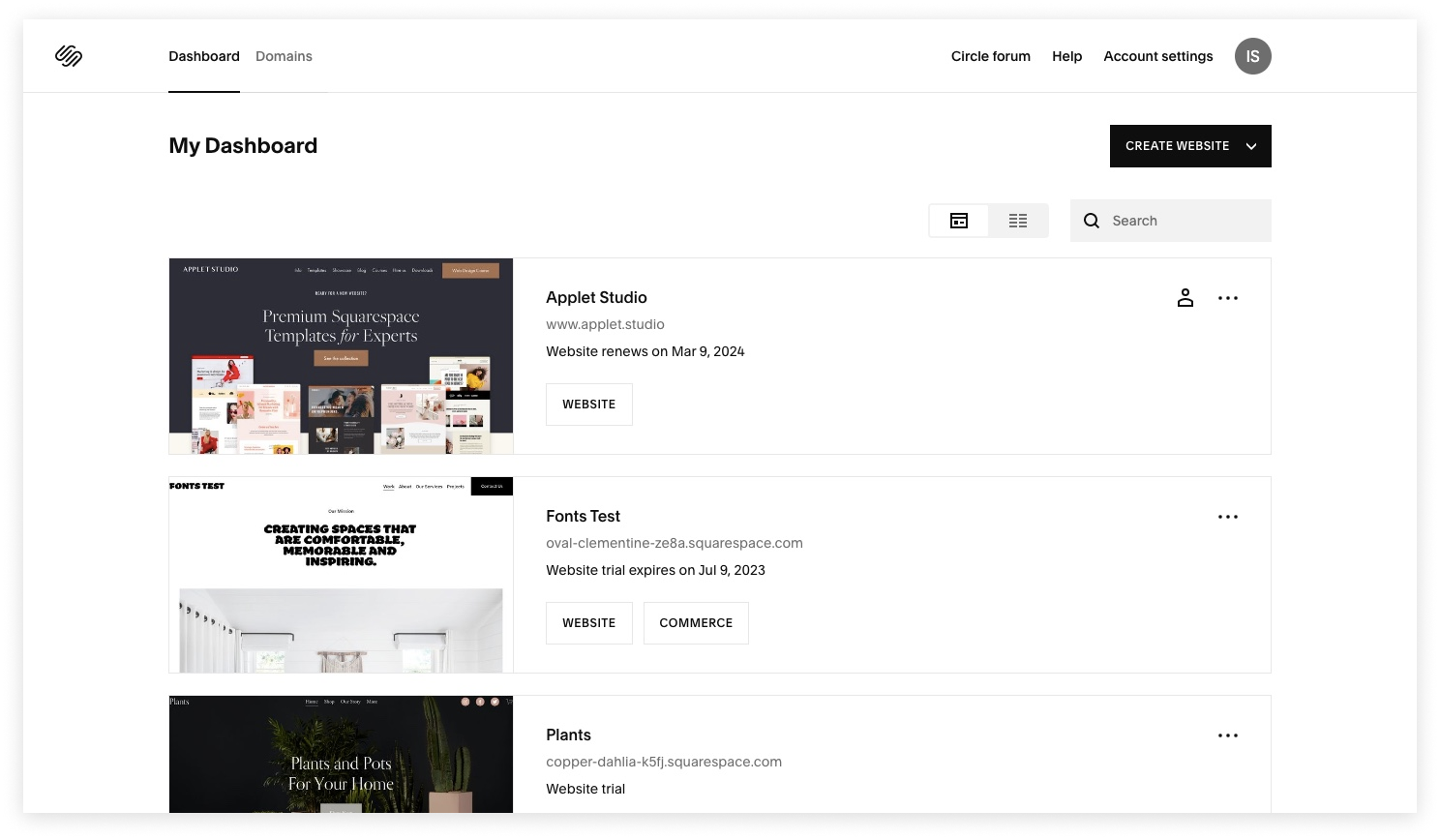
Smooth setup: From zero to website in minutes
One of Squarespace’s biggest strengths is how quickly you can go from idea to live website.
The process is simple:
Choose a template that matches your vision — all designs are mobile-ready and professionally crafted.
Use the guided setup to add pages, upload your logo, and adjust styles.
Edit visually using real-time drag-and-drop tools.
There’s no need to deal with installations, hosting providers, or plugins. Squarespace takes care of the technical side so you can focus on design and content.
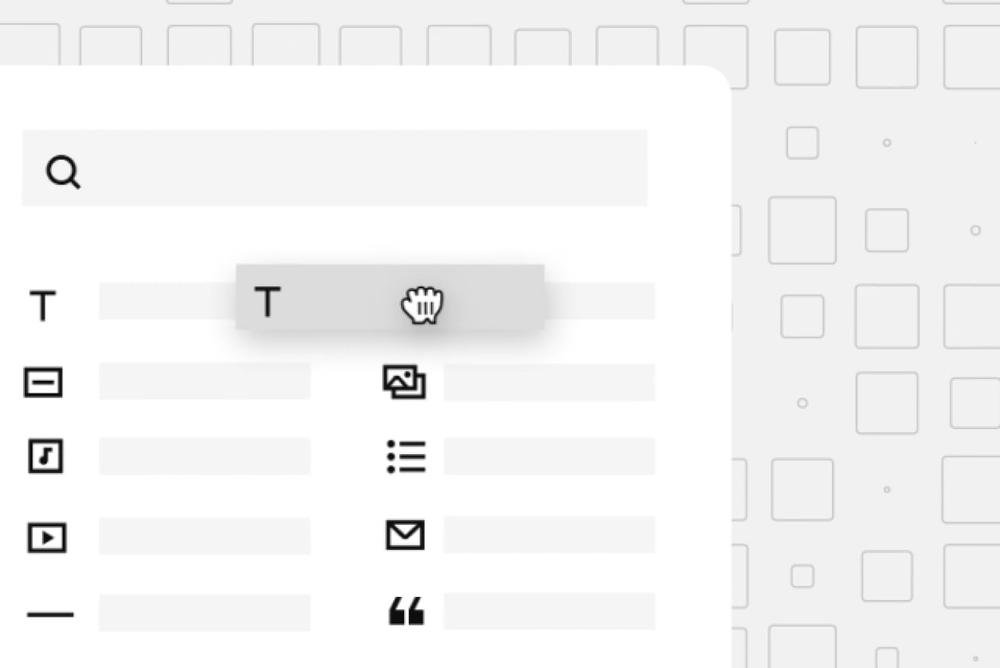
Intuitive drag-and-drop design
Squarespace’s page editor is what truly makes it easy. With drag-and-drop editing, you can add content blocks, rearrange layouts, and customize sections effortlessly — all without writing a single line of code.
Unlike other builders that feel clunky or restrictive, Squarespace’s editor is clean and consistent. Every change you make is reflected instantly, and every element stays aligned for a professional finish.
Templates that balance simplicity and power
Squarespace offers an exceptional library of templates built by professional designers. Every template is:
Fully responsive on mobile, tablet, and desktop
Optimized for speed and SEO
Customizable for any industry — from eCommerce to portfolios to corporate sites
You’re not locked into one look either. Each design can be fine-tuned through the Style Editor, where you can modify colors, fonts, spacing, and buttons to match your brand identity perfectly.
This makes Squarespace ideal not just for small businesses, but also for large brands that need consistency, flexibility, and visual impact.
The learning curve: Minimal and rewarding
For most users, mastering Squarespace takes hours, not weeks. The interface is intuitive, and Squarespace provides built-in video tutorials, help guides, and live chat support to help you along the way.
Once you understand the basics — like how pages, sections, and blocks work — you’ll find that designing and managing your website becomes second nature.
Maintenance and updates: Hands-free and hassle-free
Squarespace is a fully managed platform, which means:
You never have to update software or plugins.
Security patches happen automatically.
Your site hosting is built-in and optimized for performance.
This is where Squarespace outshines traditional CMS platforms — no maintenance headaches, no compatibility issues, and no risk of your site breaking after an update. It’s professional-grade web infrastructure without the technical burden.
The reality: Ease without limitation
Some people assume that an easy-to-use platform must have limits — but that’s not true for Squarespace.
Squarespace combines simplicity with serious capability. You can:
Sell products or digital downloads with built-in eCommerce tools
Manage appointments, memberships, and donations
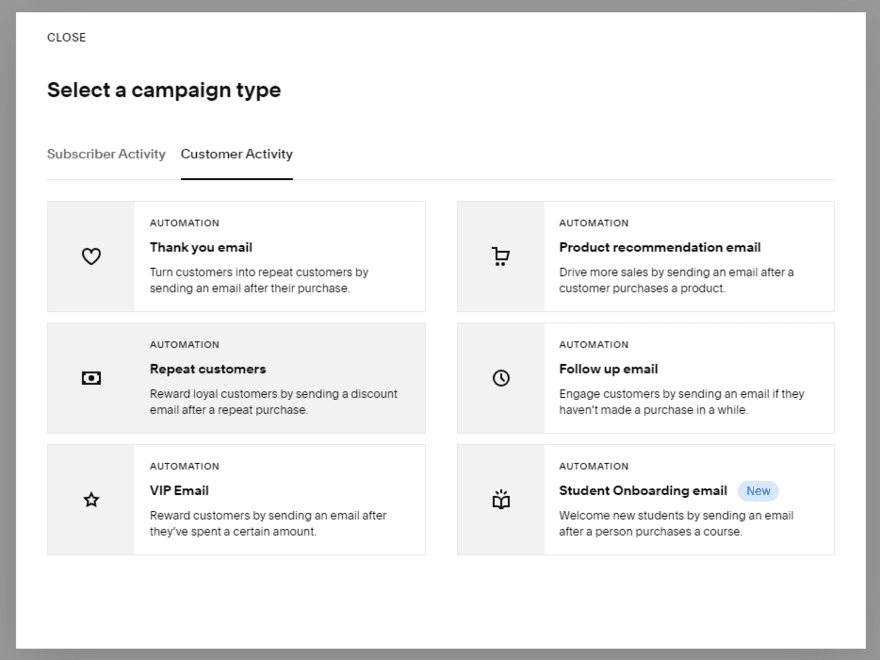
Integrate marketing features like email campaigns and SEO tools
Add custom code if needed, while still keeping your site stable
In other words, Squarespace is easy because it’s smartly designed, not because it’s basic.
Whether you’re a freelancer, a growing startup, or an established brand, it gives you all the tools you need — without complexity.
Final verdict: Is Squarespace easy to use?
Absolutely. Squarespace strikes the perfect balance between simplicity and power. It’s easy enough for beginners, yet robust enough for professionals and large businesses.
You get:
Seamless setup with no tech stress
Visual editing that feels natural
Built-in tools for SEO, marketing, and analytics
Professional design flexibility
Reliable, secure hosting you never have to manage
As a Squarespace designer, I can confidently say it’s one of the best platforms for building modern, high-performing websites — without sacrificing control or creativity.
Short recap
If you’re asking “is Squarespace easy to use?” — the answer is yes, and it’s more than that. It’s a platform built to help anyone create a stunning, scalable, and strategic online presence — from first-time users to established businesses.
Squarespace isn’t just easy — it’s empowering.
Flexible custom packages.
Three tiers scoped for where you are and where you're going. Not sure which fits? Book a call — we'll go over your project together and make sure you land on the right one.
Launch build
Look credible, fast.
$2,500starting from
A focused, conversion-aware website that gives you confidence sharing your link anywhere.
- Up to 4 structured pages
- 1 focused revision round
- Fully mobile-optimised
- SEO foundations included
- Launch-ready in 3 weeks
- 30 days email support
Best for businesses launching or replacing an outdated site.
Start your projectAuthority build — Most popular
Elevate your brand.
$4,000starting from
A refined, strategically designed website that positions your business as established and credible.
- Everything in Launch, plus:
- Up to 7 pages
- Custom styling & layouts
- 2 revision rounds
- Blog integration
- 5-week build timeline
- Training walkthrough
Best for growing businesses that want their site to reflect their expertise.
Start your projectScale build
No limits. Full depth.
$8,000starting from
A fully bespoke build with advanced functionality, custom code, and no artificial constraints.
- Everything in Authority, plus:
- Unlimited pages
- Unlimited custom code
- Unlimited revisions
- Plugin costs covered
- Priority support
- Complete SEO setup included
Best for established businesses investing in a long-term digital foundation.
Start your project
Mikkel Calmann
I’m Mikkel Calmann, a certified Squarespace designer and Circle Member. We’ve worked with businesses of all sizes, crafting strategic websites that look great and perform even better. If you’d like to discuss a project, feel free to email us at mikkel@typza.com or reach out to us here. You can also book a free 15-minute consultation here.