
How to become a web designer: A complete beginner’s guide
Want to learn how to become a web designer? This complete beginner’s guide covers the essential skills, tools, and mindset needed to start a successful career in web design, whether you’re transitioning from another field or just starting out.
Written by Mikkel Calmann
Oct 3, 2025

Why learn how to become a web designer?
Web design is one of the most in-demand skills today. Knowing how to become a web designer allows you to:
Build websites for clients or your own projects
Work remotely or freelance with flexibility
Combine creativity with technology to create functional, engaging sites
Web designers shape the online presence of businesses, and demand for skilled designers continues to grow.
Step 1: Learn the fundamentals of web design
Before diving into tools and software, focus on the basics:
Design Principles: Layout, color theory, typography, spacing, and hierarchy
User Experience (UX) & User Interface (UI): How to create intuitive, user-friendly websites
Responsive Design: Designing websites that work on all screen sizes
Understanding these fundamentals is crucial for anyone learning how to become a web designer.
Step 2: Get comfortable with design tools
Web designers use a variety of tools to create and implement designs:
Visual Design Tools: Figma, Adobe XD, Sketch
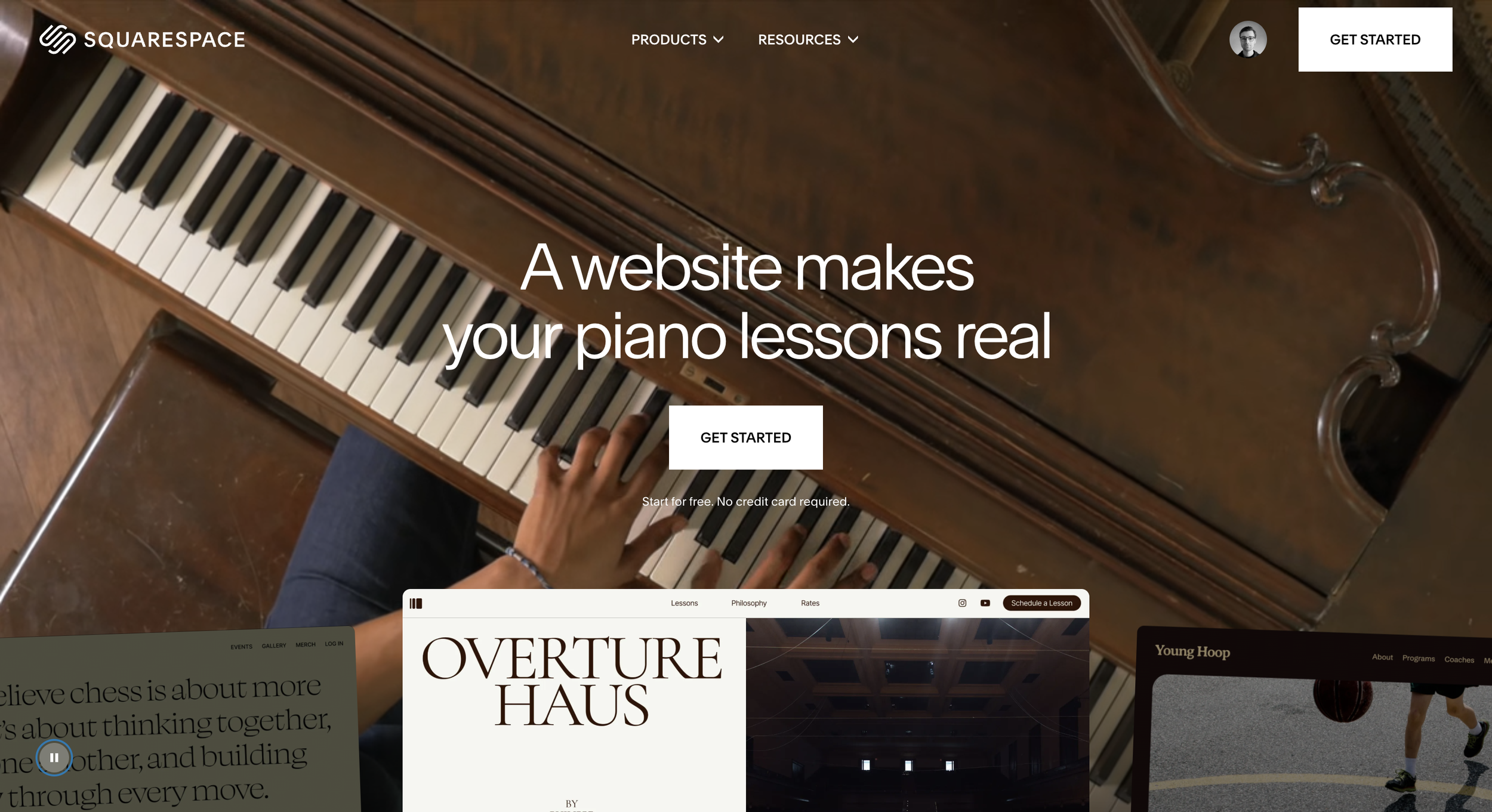
Website Builders: Squarespace, Webflow, WordPress
Graphic Design Tools: Adobe Photoshop, Illustrator, Canva
Familiarity with these tools will help you turn concepts into real, functional websites.
Step 3: Learn some front-end basics
While not mandatory, understanding the basics of front-end development can set you apart:
HTML & CSS: Structure and style your web pages
JavaScript: Add interactivity to websites
Version Control: Git/GitHub for managing project files
Knowing some code helps you communicate effectively with developers and implement your designs more accurately.
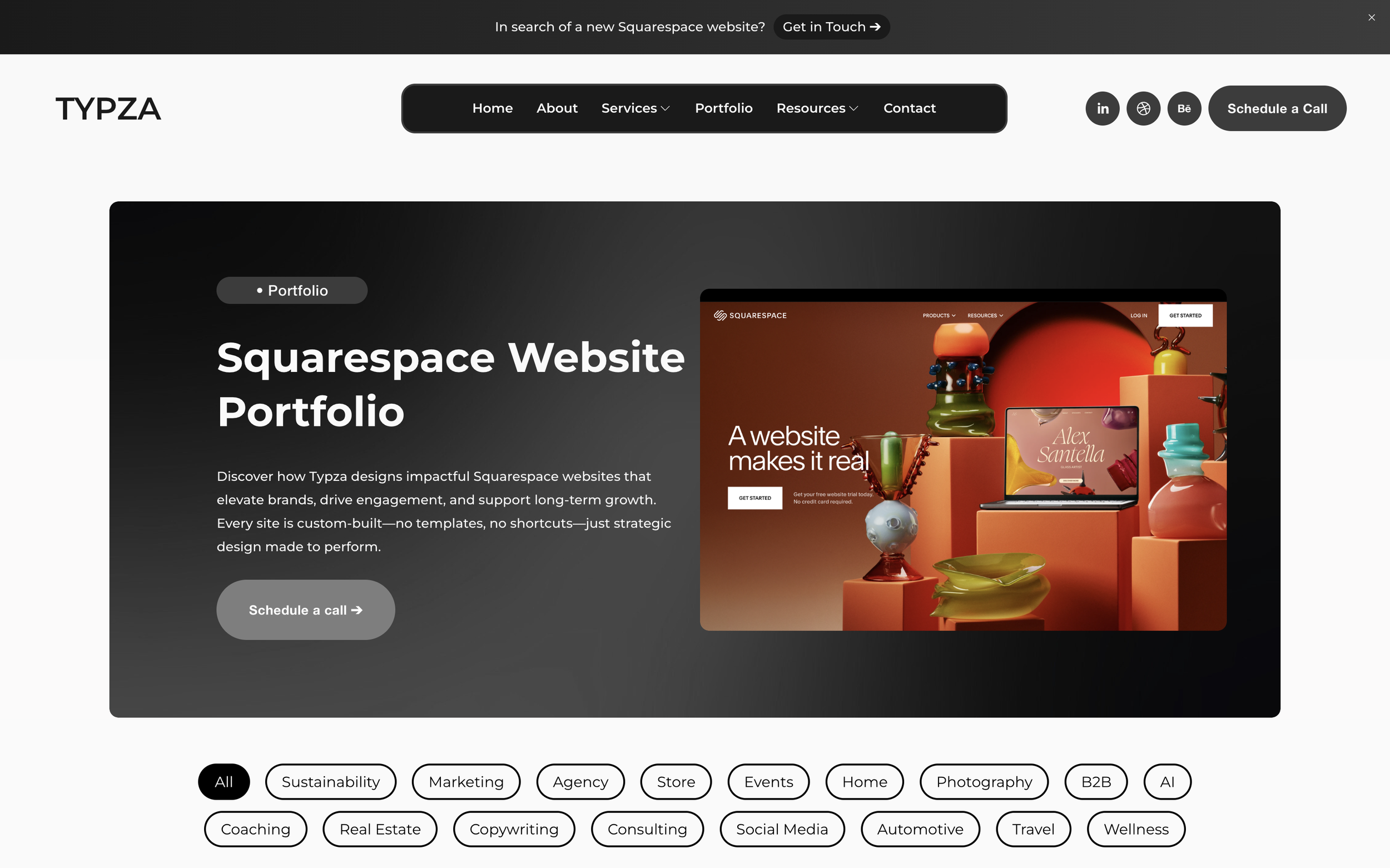
Step 4: Build a portfolio
A strong portfolio is essential for showcasing your skills:
Include personal projects, redesigns, and client work
Highlight your process (research, wireframes, prototypes, final design)
Make it visually appealing and easy to navigate
Your portfolio is proof that you can apply your skills—key for anyone learning how to become a web designer.
Step 5: Keep learning and stay updated
Web design is constantly evolving. Stay ahead by:
Following design blogs and YouTube tutorials
Joining design communities and forums
Experimenting with new tools and trends
Continuous learning is essential to long-term success in web design.
Short recap: Your path to becoming a web designer
Learning how to become a web designer involves mastering design fundamentals, tools, and basic coding, building a strong portfolio, and committing to ongoing education. With persistence and practice, you can start a rewarding career in this dynamic field.
Flexible custom packages.
Three tiers scoped for where you are and where you're going. Not sure which fits? Book a call — we'll go over your project together and make sure you land on the right one.
Launch build
Look credible, fast.
$2,500starting from
A focused, conversion-aware website that gives you confidence sharing your link anywhere.
- Up to 4 structured pages
- 1 focused revision round
- Fully mobile-optimised
- SEO foundations included
- Launch-ready in 3 weeks
- 30 days email support
Best for businesses launching or replacing an outdated site.
Start your projectAuthority build — Most popular
Elevate your brand.
$4,000starting from
A refined, strategically designed website that positions your business as established and credible.
- Everything in Launch, plus:
- Up to 7 pages
- Custom styling & layouts
- 2 revision rounds
- Blog integration
- 5-week build timeline
- Training walkthrough
Best for growing businesses that want their site to reflect their expertise.
Start your projectScale build
No limits. Full depth.
$8,000starting from
A fully bespoke build with advanced functionality, custom code, and no artificial constraints.
- Everything in Authority, plus:
- Unlimited pages
- Unlimited custom code
- Unlimited revisions
- Plugin costs covered
- Priority support
- Complete SEO setup included
Best for established businesses investing in a long-term digital foundation.
Start your project
Mikkel Calmann
I’m Mikkel Calmann, a certified Squarespace designer and Circle Member. We’ve worked with businesses of all sizes, crafting strategic websites that look great and perform even better. If you’d like to discuss a project, feel free to email us at mikkel@typza.com or reach out to us here. You can also book a free 15-minute consultation here.