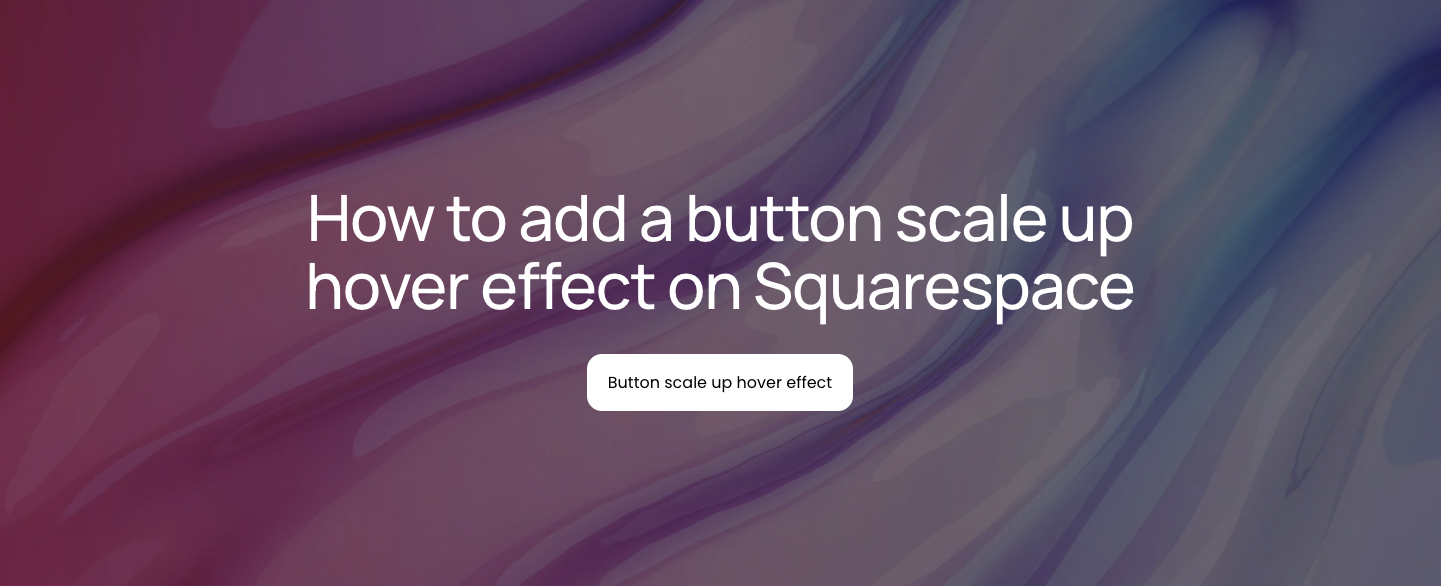
How to add a button scale up hover effect on Squarespace
Learn how to enhance your Squarespace buttons with a subtle scale up hover effect that improves engagement and strengthens your site’s user experience.
In this tutorial:
What is button scale up hover effect in Squarespace?
How to create a button scale up hover effect on Squarespace
How a button scale up hover effect works for visitors
Why use button scale up hover effect on a high-quality Squarespace site
Final thoughts

Start your project
Start your project with a free discovery call and see how we can bring your vision to life.
What is button scale up hover effect in Squarespace?
A button scale up hover effect is a CSS animation applied to buttons on your Squarespace site. When a visitor moves their cursor over a button, the button enlarges slightly, typically between 5% and 15%.
Real-world applications include:
Call to action buttons: Making sign-up or purchase buttons more noticeable and engaging.
Navigation buttons: Adding subtle motion to guide users toward key pages.
Form submission buttons: Reinforcing the interactivity of form elements to increase conversions.
This effect improves usability without overwhelming the visitor. On a high-quality Squarespace site, it demonstrates attention to micro-interactions, a detail that separates polished, professional websites from amateur implementations.
Need an expert to build your Squarespace website?
Book a free kick-off call with our team to discuss your project requirements in detail.
How to create a button scale up hover effect on Squarespace
Implementing a button scale up hover effect requires adding custom CSS to your Squarespace site. Follow these steps for a clean, responsive, and effective result.
Step 1: Open the CSS editor
Log in to your Squarespace account and navigate to your website.
Click Pages in the sidebar.
Select Custom Code -> Custom CSS at the bottom of the menu.
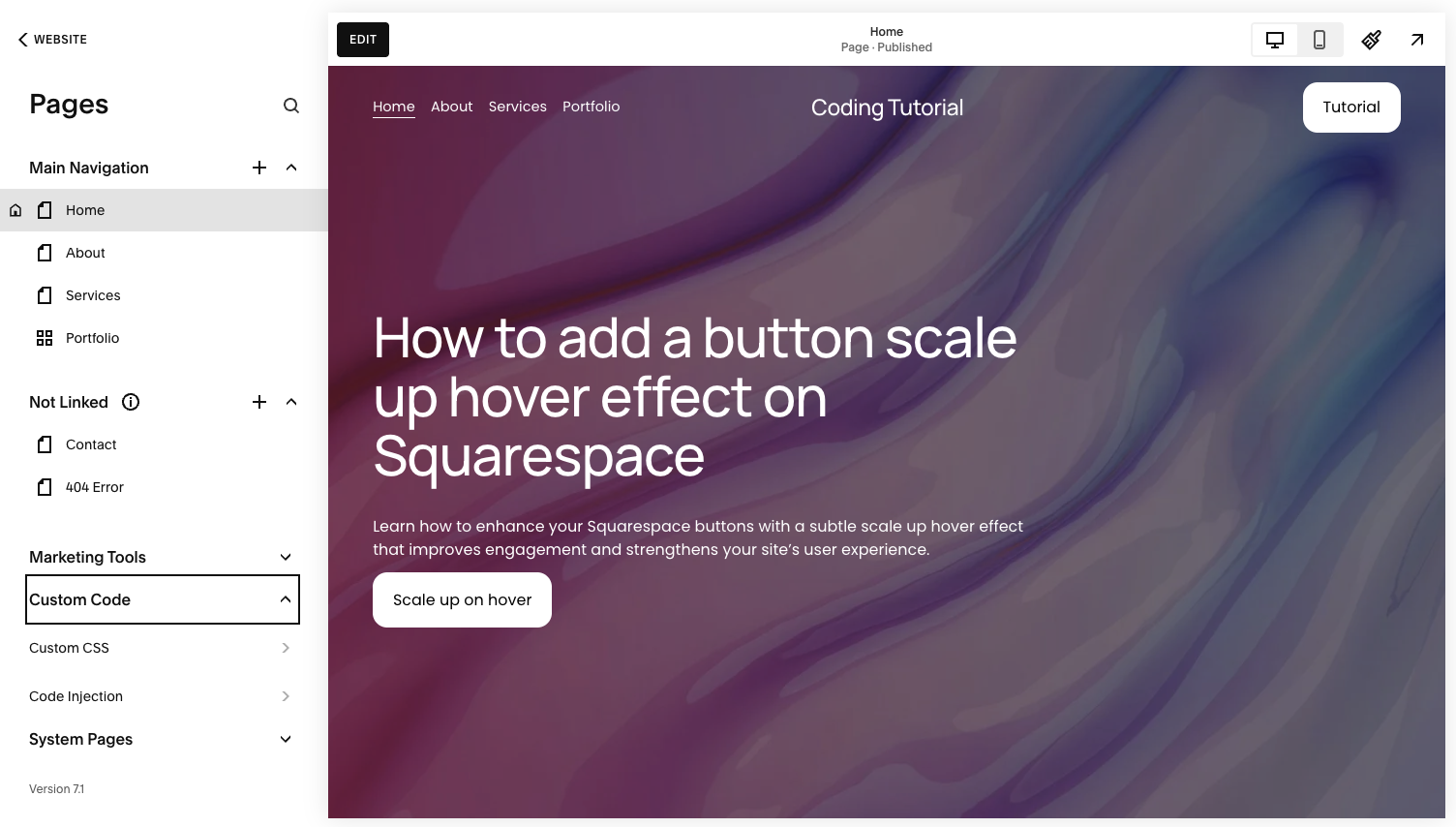
Step 2: Add the scale up hover effect CSS
Copy and paste the following code into the Custom CSS editor:
// Button scale up hover effect - Typza.com //
.sqs-button-element--primary {
transition: 0.3s;
}
.sqs-button-element--primary:hover {
transform: scale(1.1);
}
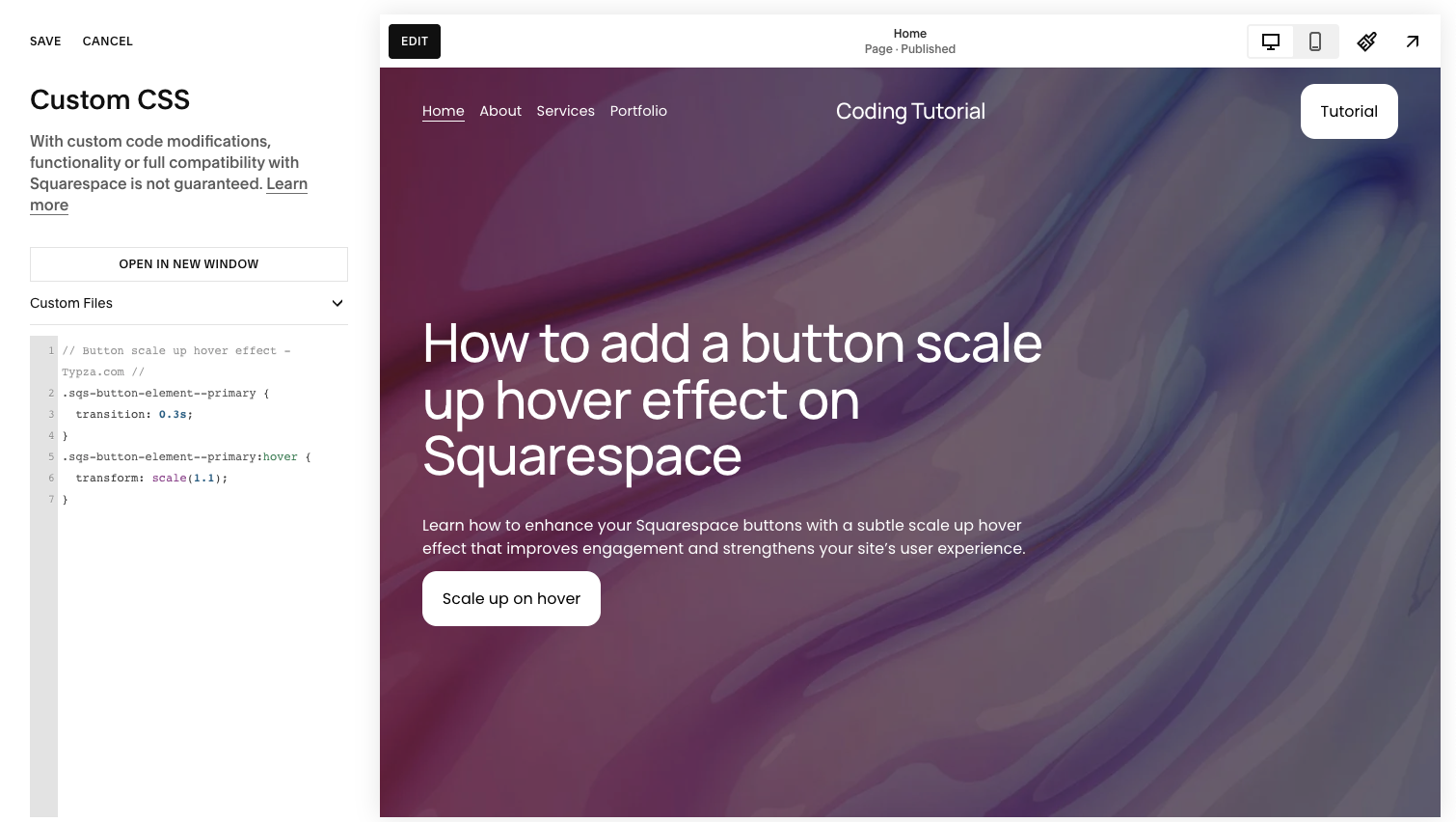
This snippet sets a smooth transition and enlarges the button by 10% on hover. The transition property ensures the scaling feels natural rather than jarring.
Step 3: Adjust scaling if necessary
You can tweak the scale() value to increase or decrease the hover size. For example, scale(1.05) gives a subtler effect, while scale(1.15) is more pronounced. Always test across devices to maintain a professional user experience.
Step 4: Save and preview changes
Click Save to apply the CSS.
Preview your site on desktop and mobile to confirm the animation behaves as expected.
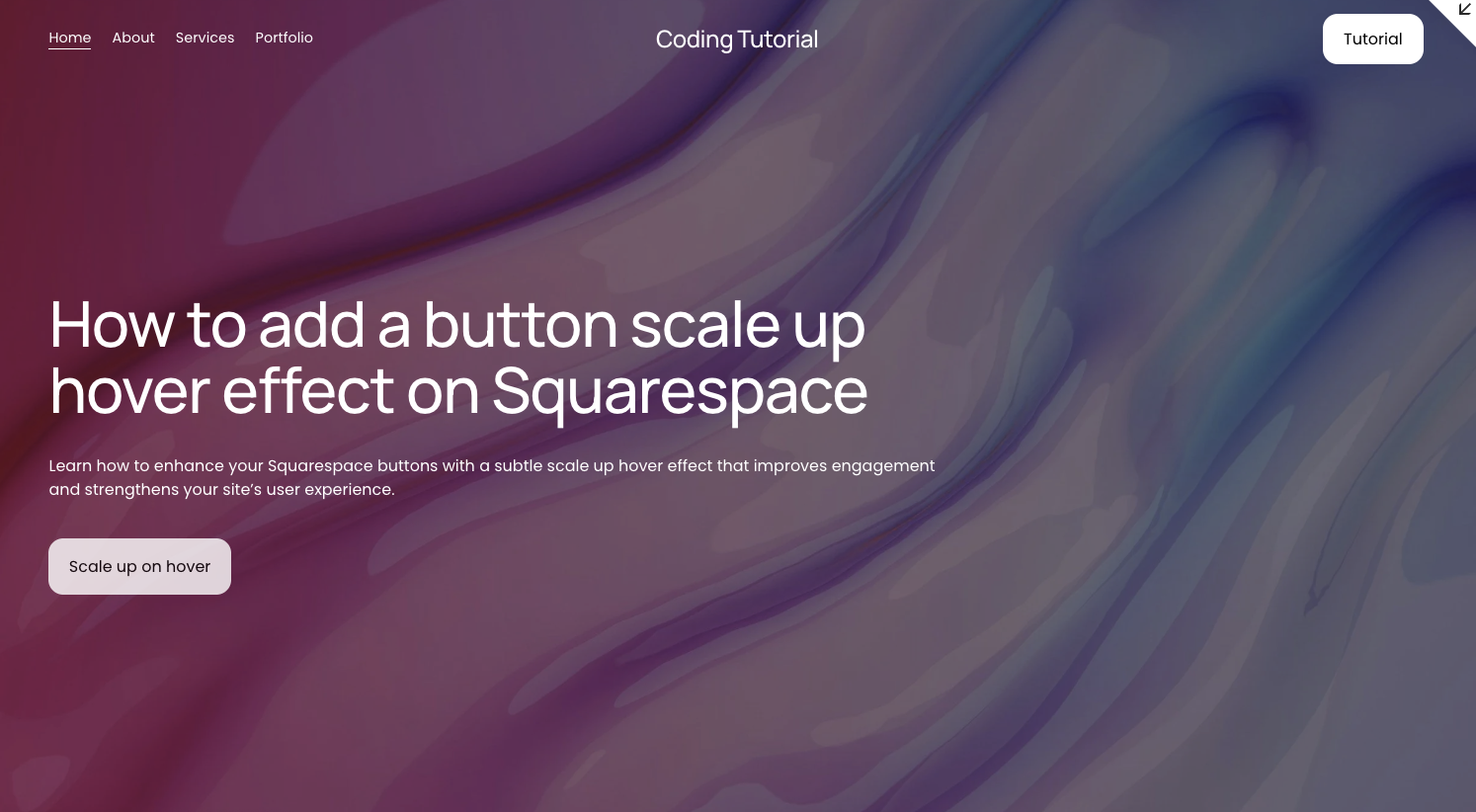
How a button scale up hover effect works for visitors
From a visitor’s perspective, a button scale up hover effect provides clear interactive feedback. The slight enlargement signals that the button is clickable, reducing uncertainty and improving click-through rates.
This type of micro-interaction also increases the perceived responsiveness of your site. Visitors subconsciously interpret small, thoughtful animations as signs of quality and attention to detail. When implemented consistently, these effects can guide users through your site more efficiently, increasing engagement and conversions without additional text or design clutter.
Why use button scale up hover effect on a high-quality Squarespace site
For serious businesses, every detail on a website contributes to brand perception and conversion potential. Adding a button scale up hover effect:
Strengthens brand polish: Visitors notice subtle motion cues that make your site feel modern and professional.
Enhances conversions: Clear interactive signals encourage clicks on critical calls to action.
Improves UX without noise: A simple scale animation keeps interactions intuitive and distraction-free.
Attempting DIY animation without understanding CSS transitions can lead to inconsistent scaling, broken responsiveness, or conflicts with other design elements. Expert execution ensures the effect is reliable across browsers, devices, and Squarespace templates, maintaining a high-quality user experience.
Final thoughts
Adding a button scale up hover effect is a small but impactful upgrade for any Squarespace site. It improves usability, reinforces your brand, and subtly encourages user engagement. While the code itself is simple, professional implementation ensures it functions smoothly across all devices and complements your overall design strategy.
For founders, CMOs, and product leaders focused on conversion and brand perception, expert handling of micro-interactions like this is an investment in long-term credibility. Implementing it yourself is possible, but having a Squarespace professional execute it guarantees consistency, responsiveness, and the polished finish serious brands demand.
Start your project
Start your project with a free discovery call and see how we can bring your vision to life.
Don’t miss these tutorials