
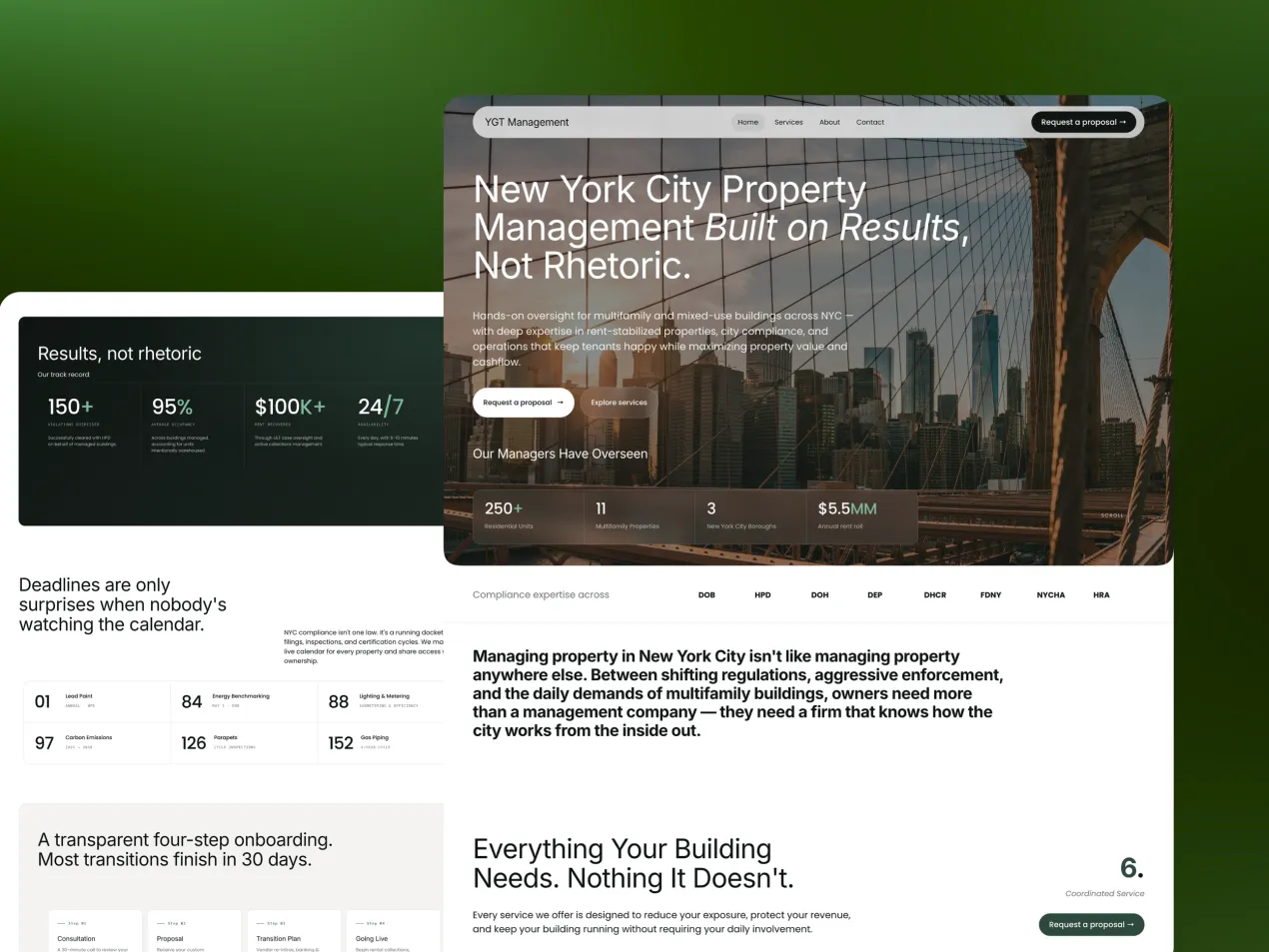
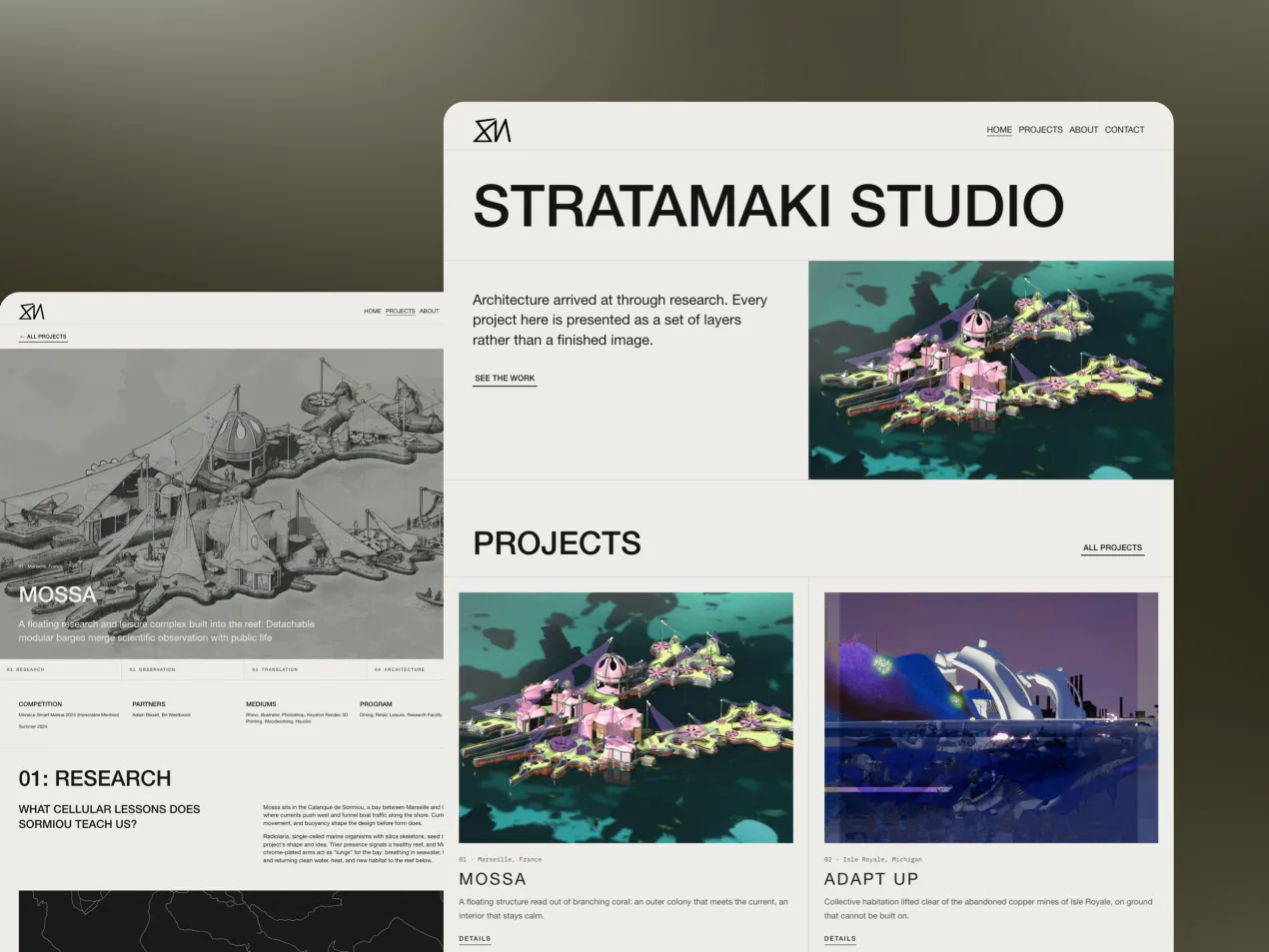
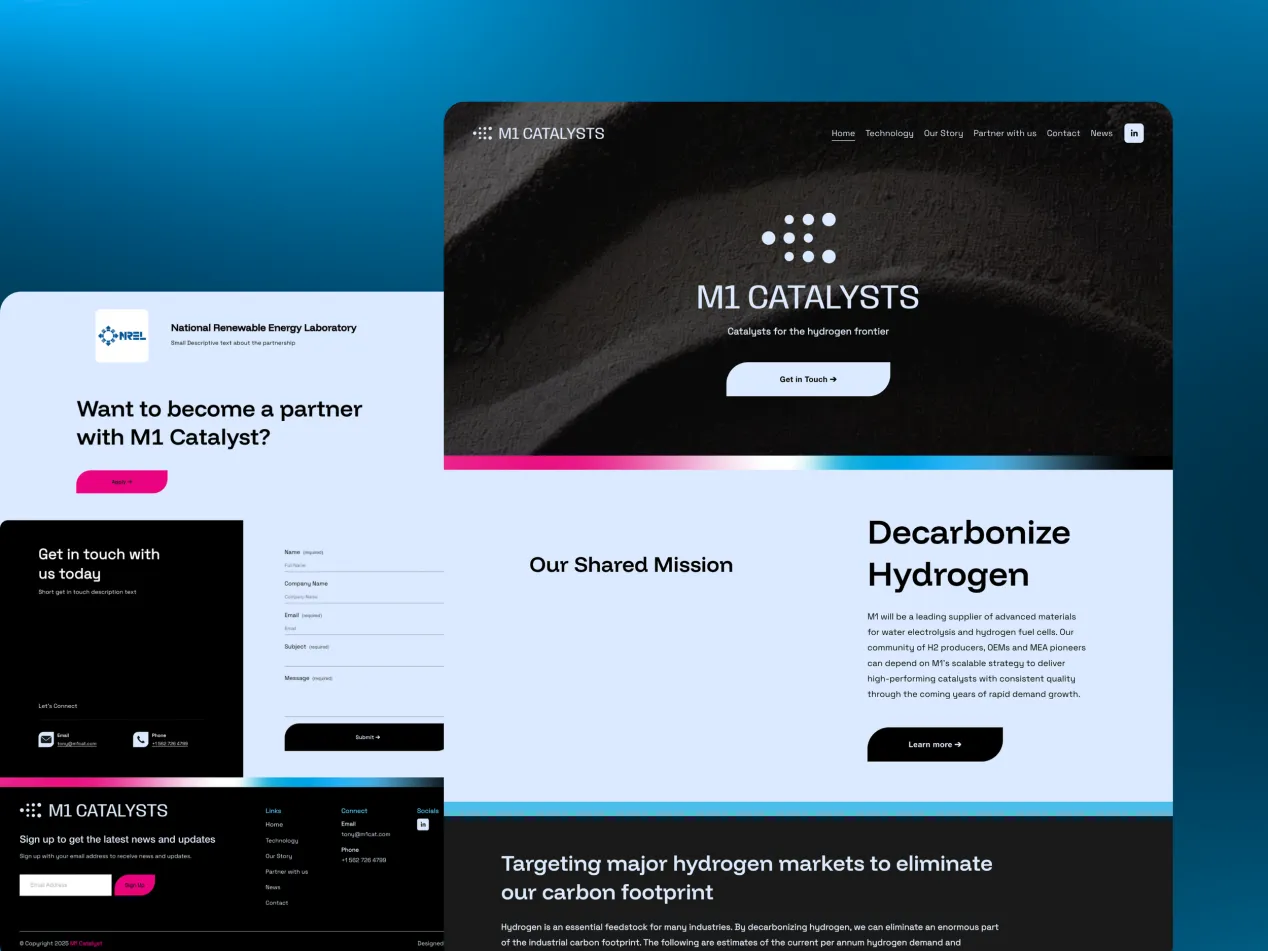




A redesign is one of the few projects that can make a business more money and lose it search traffic at the same time. This website redesign checklist covers the 25 steps that keep it on the right side: what to decide before you start, what to check while the site is built, how to launch without losing rankings and what to do afterwards.
At the end we list the signs that it is time to redesign in twelve kinds of business, from tutoring companies to venture capital firms, with a link to our page for each. We redesign websites for a living, so where we mention how we work, those are our own terms.
Before you start
1. Write down why you are redesigning
More enquiries, better clients, a new service, a site nobody can update. One or two clear reasons keep every later decision honest.
2. Measure where you are now
Record monthly visitors, enquiries, top pages and search rankings before anything changes. Without a baseline you cannot tell whether the new site is better.
3. List every page and what it does
Export every URL on the current site. Mark each one to keep, merge, rewrite or remove. Pages that bring in search traffic need special care.
4. Decide who the site is for
Name the two or three kinds of visitor that matter most and what each needs to know before they get in touch.
5. Agree the scope and budget
Pages, features, who writes the copy, who supplies photos and the launch date. Our guide to website redesign costs covers typical prices.
6. Choose who will do the work
A freelancer, an agency, a studio or a done-for-you plan. Our guide on how to hire a web designer lists the questions to ask.
Content and structure
7. Plan the structure before the design
Sketch the menu and the path from homepage to enquiry. Design follows structure, not the other way round.
8. Rewrite the copy for the visitor
Lead with what the visitor wants, not your history. Keep the phrases people search for on the pages that rank for them.
9. Gather proof
Reviews, case studies, results, accreditations and named clients with permission. Proof is what turns a nice site into a convincing one.
10. Get real photography
Your own people, places and work. Stock photos weaken trust, especially on the homepage and about page.
Design and build
11. Design for phones first
Most visitors arrive on a phone. Check every page at phone width before you approve the desktop version.
12. Make the next step obvious
One clear call to action per page: book, call, buy or enquire. Say what happens after the form is sent.
13. Keep it fast
Compress images, limit scripts and test with real devices. Google's guide to Core Web Vitals explains the speed measures that matter.
14. Build it so everyone can use it
Readable text, keyboard access, alt text and clear focus styles. Accessibility helps every visitor and reduces legal risk.
15. Connect your tools
Booking, payments, email marketing and your CRM. Test every form end to end and check that messages arrive.
16. Set titles and descriptions for every page
Each page needs its own title and meta description that match what people search for.
Launch without losing rankings
17. Map every old URL to a new one
Every page that changes address needs a permanent redirect to its closest new page. Google's guide to site moves with URL changes explains why.
18. Avoid redirect chains
Point each old URL straight at its final address, not through a series of hops. Update internal links so they skip redirects entirely.
19. Check for broken links
Crawl the new site before launch. Every internal link should reach a live page.
20. Keep the staging site out of search
A preview site should be hidden from search engines until launch, then opened up on the live domain only.
21. Submit the new sitemap
Send the sitemap to Google Search Console on launch day and check for errors. Our website migration checklist covers the technical steps in more detail.
After launch
22. Watch search traffic for eight weeks
Compare against your baseline. A small dip in the first weeks is normal. A steep fall points to a missing redirect.
23. Check every form again
On the live domain, on a phone, with a real enquiry. Forms are the most common thing to break at launch.
24. Ask a few clients what they think
Two or three honest reactions tell you more than a month of analytics.
25. Plan who keeps it current
A redesign starts to age the day it launches. Decide who adds news, projects and reviews, and how often.
Signs it is time to redesign, by business type
Most sites show the same general signs: they are slow on a phone, they look dated and nobody can update them. Our guides to when to redesign your website and signs your website looks outdated cover those. Each kind of business also has signs of its own. Here are the ones we see most often.
Tutoring companies
Subjects and levels are hard to find, tutor information is thin, prices are hidden and booking is awkward. See tutoring website design.
Sports clubs
Joining is confusing, fixtures and results are out of date, safeguarding is hard to find and the site depends on one volunteer. See sports club website design.
Performers and actors
Headshots are out of date, the reel misses recent work, representation is unclear and upcoming shows are missing. See performer website design.
Marketing agencies
You sound like every other agency, case studies lack results, services have drifted and enquiries are poorly qualified. See marketing agency web design.
Engineering firms
Projects are thin or old, sectors are hard to find, accreditations are out of date and recruitment is an afterthought. See engineering firm website design.
Insurance agencies
You look like every other agency, the quote route is hard, lines of cover are thin and existing clients cannot find service routes. See insurance agency website design.
Venture capital firms
The thesis is vague, the portfolio is out of date, partners have changed and there is no clear way to pitch. See venture capital website design.
Private equity firms
The portfolio is out of date, investment criteria are vague and the site says little about how you work with management teams. See private equity website design.
Hedge funds
The strategy description no longer matches the fund, the team page is out of date, investor access is awkward and compliance wording is scattered. See hedge fund website design.
Investment firms
Services and client types are unclear, the client login is hard to find, regulatory wording is inconsistent and insights are stale. See investment firm website design.
Sports agencies
The roster is out of date, services are vague, agents are hard to find and brands cannot see your commercial work. See sports agency website design.
Yacht dealers
Listings are out of date, galleries are slow, specifications are incomplete and there is nothing for owners who want to sell. See yacht dealer website design.
The short version
Decide why you are redesigning and measure where you are. Plan the structure, rewrite the copy and gather proof. Build for phones, speed and access. Redirect every old URL straight to its new home, check every link and form and watch search traffic for eight weeks after launch. Then decide who keeps the site current.
FAQ
What should a website redesign checklist include?
Your goals and baseline numbers, an inventory of every page, the audience, scope and budget, the structure and copy, proof and photography, phone-first design, speed, accessibility, connected tools, page titles, redirects, broken link checks, the sitemap and a plan for after launch.
How do I redesign a website without losing SEO?
Keep the pages that rank, keep their main phrases, redirect every old URL straight to its closest new page, update internal links, submit the new sitemap and watch search traffic for eight weeks after launch.
How long does a website redesign take?
It depends on the size of the site and how much is rewritten. Our Launch projects usually take 4 to 8 weeks and Rebuild projects 8 to 16 weeks.
How do I know if my website needs a redesign?
Common signs are a site that is slow or broken on a phone, looks dated, cannot be updated easily, no longer matches what you offer or brings in fewer enquiries than it used to. Each kind of business has its own signs too.
Should I redesign or just refresh my website?
A refresh suits a site whose structure and message still work but whose look has aged. A redesign suits a site whose structure, copy or platform holds the business back.
How much does a website redesign cost?
It depends on scope. Our Launch projects start from $5,000 and Rebuild projects start from $9,500, both at a fixed price agreed before we start.