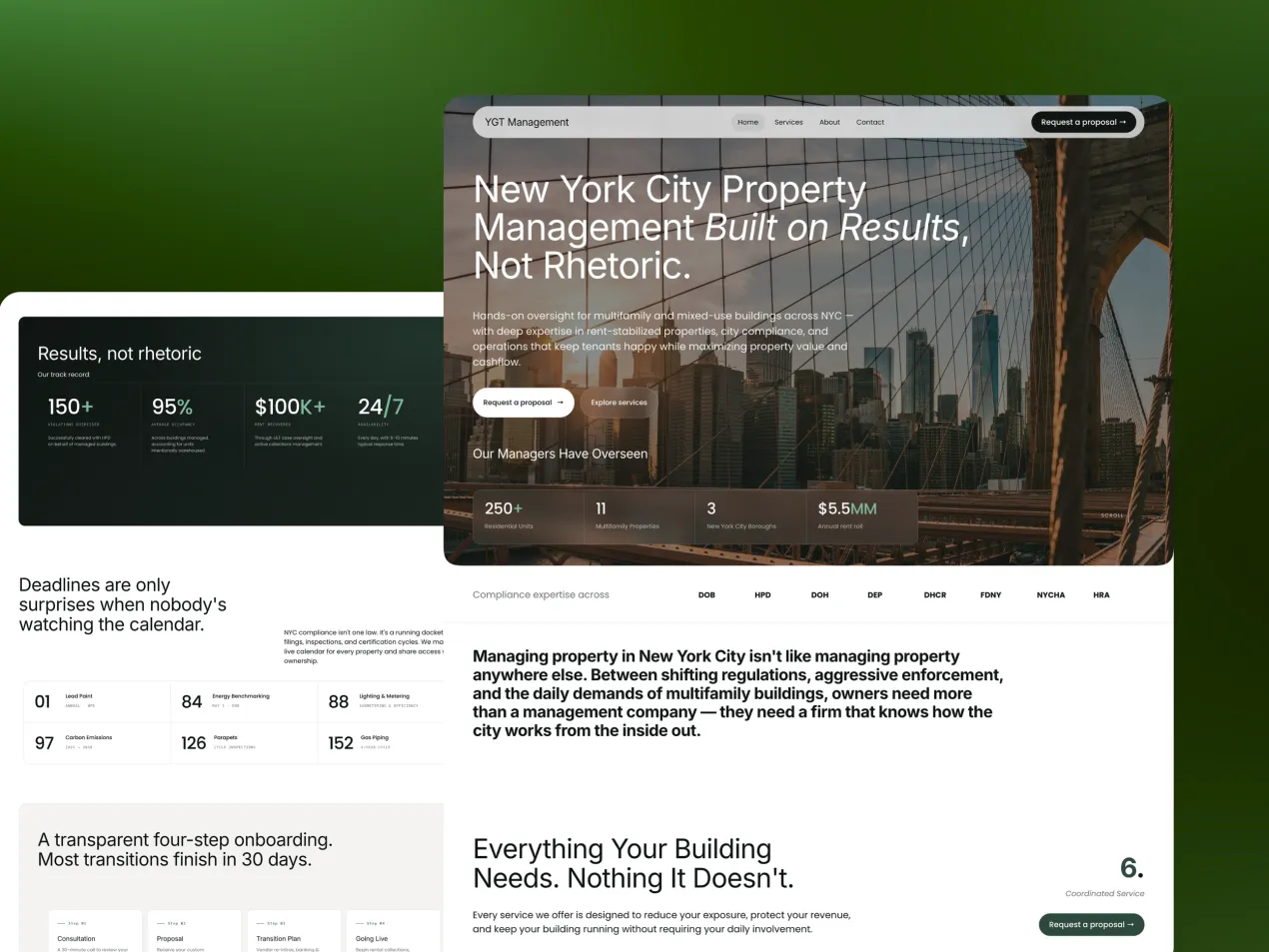
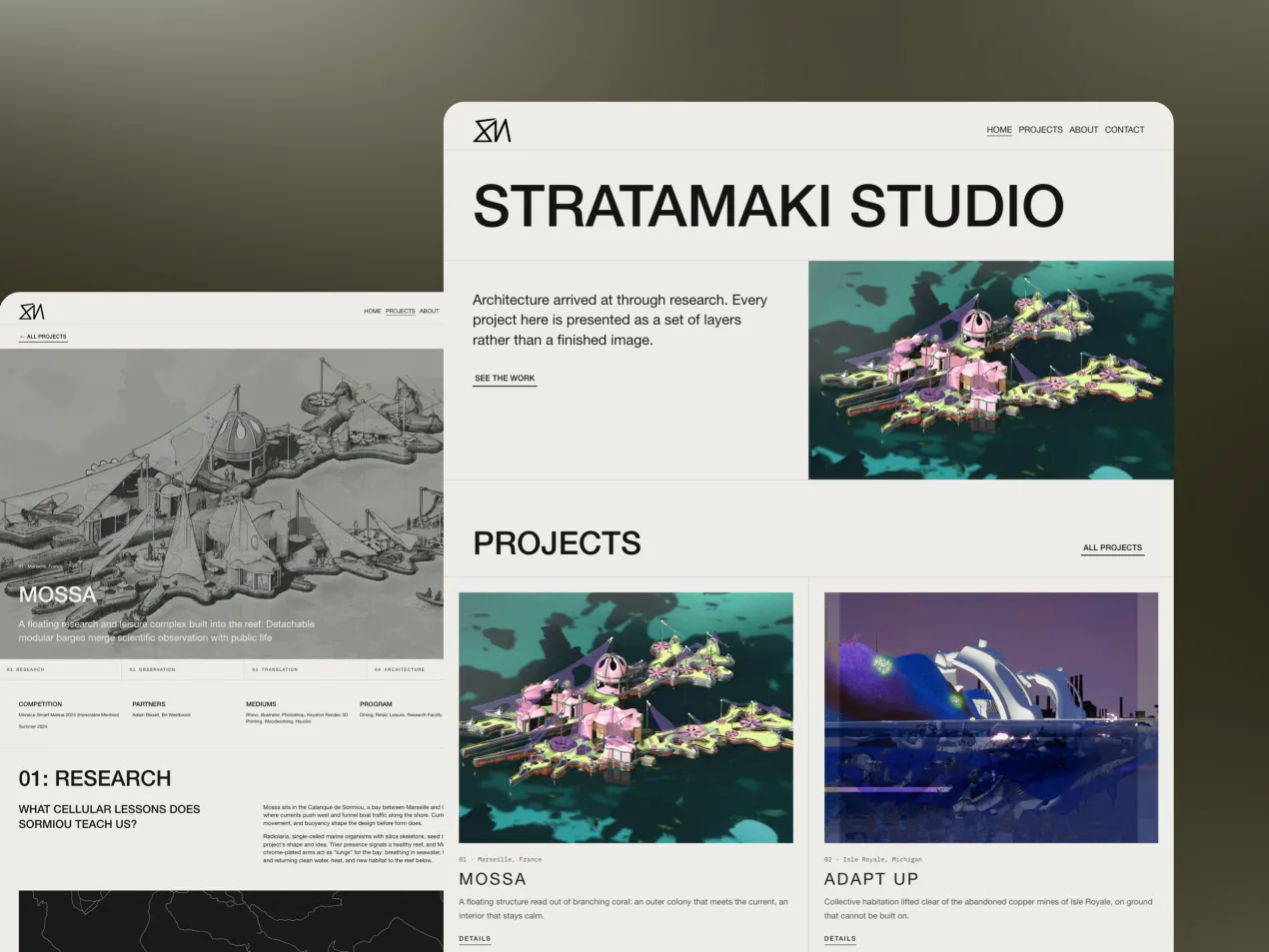
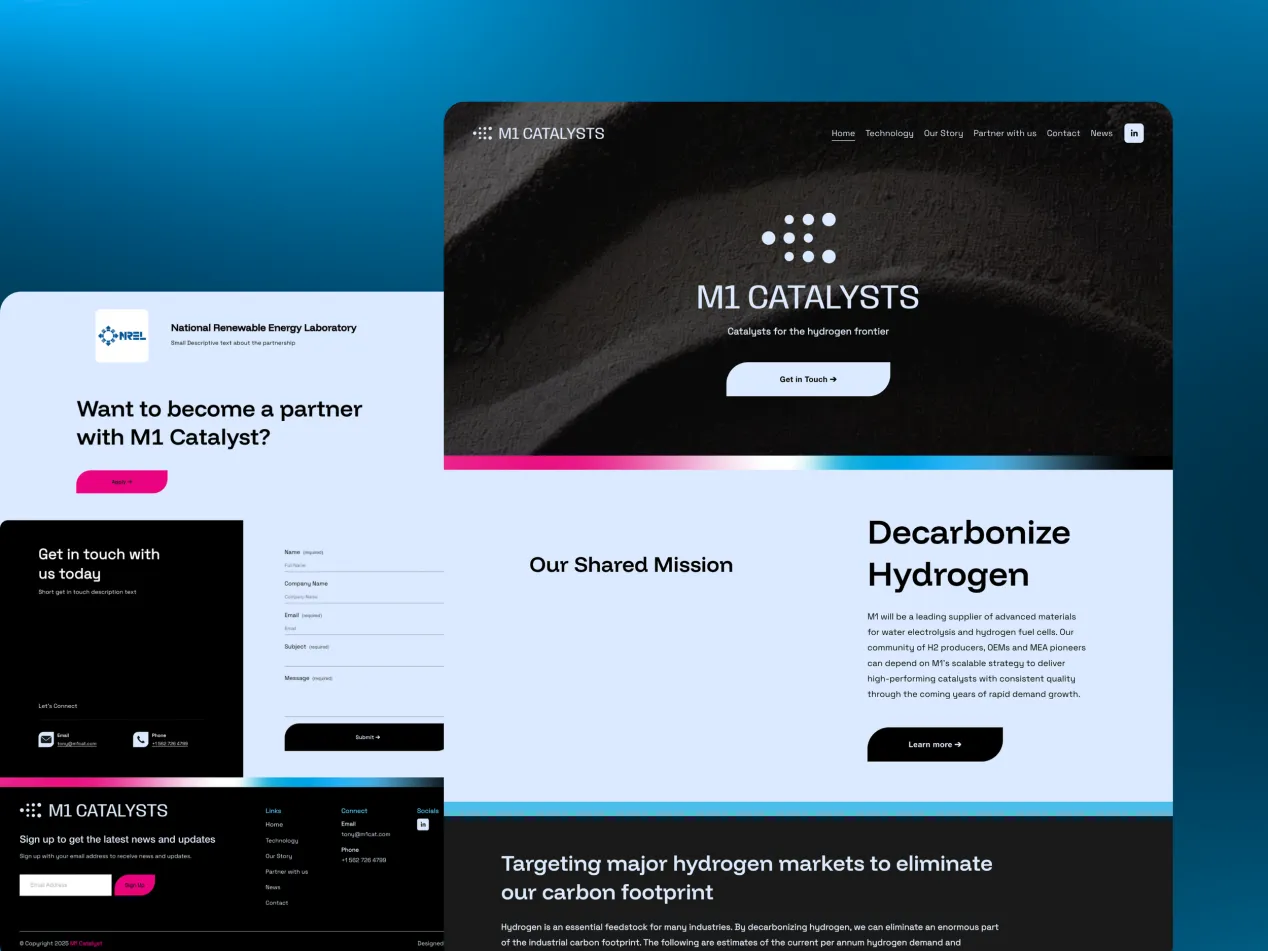




Property & constructionSites that prove the work before the first call, from planning to handover.
Every industry buys differently, so every industry gets its own page.All industries →

Invert Button Hover Effect: Squarespace CSS

You can invert a Squarespace button's colours on hover with one line of custom CSS: filter: invert(1). Text, background and border all flip to their opposites.

By Mikkel Calmann, Founder, TypzaUpdated 4 min read

On this page
  1. Add an invert button color hover effect to your Squarespace site
  2. What is an invert button color hover effect in Squarespace
  3. How to create an invert button color hover effect on Squarespace
  4. How an invert button color hover effect works for visitors
  5. Why use an invert button color hover effect on a high-quality Squarespace site
  6. Conclusion
  7. FAQ
  8. More insights

It's a bold effect that suits some brands far better than others, so check how your colours look once they're inverted.

1. Add an invert button color hover effect to your Squarespace site

The invert effect reverses a button's colors on hover, creating stark contrast that signals interactivity clearly. It's visually striking and modern, but it does require careful attention to readability and accessibility.

2. What is an invert button color hover effect in Squarespace

This technique uses CSS to flip a button's color values when visitors hover over it. The filter: invert(100); property reverses dark backgrounds to light and light text to dark, affecting the entire element including any embedded icons or graphics.

We reach for this on minimalist brands, high-contrast CTAs, creative portfolios, and sites looking for a dramatic yet clean hover state, whereas a quieter brand is often better served by a button scale down hover effect.

3. How to create an invert button color hover effect on Squarespace

Step 1: Open the Custom CSS panel

  • Log into your Squarespace account.

  • Open your website dashboard.

  • Click Pages.

  • Scroll down and select Custom CSS under Custom Code.

Step 2: Add the invert hover code

// Invert button color hover effect - Typza.com //

.sqs-button-element--primary { transition: 0.3s; }

.sqs-button-element--primary:hover { filter: invert(100); }

This applies a smooth 0.3-second transition and inverts the button's colors completely on hover.

Step 3: Save and test carefully

Click Save, then preview the site. Test buttons with solid backgrounds, gradients, and icons, and check the effect across both light and dark sections.

Step 4: Evaluate readability and accessibility

Confirm the text stays readable, the contrast is accessible, the brand colors still feel intentional, and the effect doesn't clash with surrounding elements.

4. How an invert button color hover effect works for visitors

The color flip creates immediate visual contrast, clearly signaling interactivity. It captures attention quickly, provides strong feedback, differentiates primary CTAs, and adds a modern aesthetic touch, though overuse can start to feel aggressive.

5. Why use an invert button color hover effect on a high-quality Squarespace site

It reinforces bold brand identities, increases key CTA visibility, introduces high-contrast interaction without resizing anything, and maintains layout stability, similar in spirit to gradient buttons built for the same bold register. The tradeoffs are real too: potential color distortion, accessibility concerns, and inconsistent results across different button styles.

Conclusion

Add the code, then hover over every button style on your site. If any text gets hard to read or the colours clash, use a custom hover colour instead. Black and white buttons usually invert best.

FAQ

What does the invert button color hover effect do?

The invert button color hover effect flips every colour in a Squarespace button to its opposite when someone hovers over it. One line of custom CSS, filter: invert(1), does it. The background, text and border all swap, so dark backgrounds turn light and light text turns dark. It creates a dramatic, high-contrast hover state while keeping the design clean.

Why is contrast checking especially important for this effect?

Inversion flips colours automatically instead of letting you choose them. A button with strong contrast can end up with poor contrast between text and background once it inverts. So check each button by hand after you add the code. Confirm the text stays readable, the contrast is accessible, the brand colours still look intentional and the effect doesn't clash with what's around it.

What kind of brands suit an invert hover effect best?

Minimalist, editorial and creative brands that already use bold, high-contrast colours suit an invert hover effect best. It also works well on high-contrast calls to action and creative portfolios. Brands with muted or pastel palettes usually get a jarring result. A quieter brand is often better served by a softer effect, such as a button scale down on hover.

Can I invert just part of a button instead of the whole thing?

Yes. Apply the filter to a background-only div or pseudo-element inside the button, rather than to the whole button. That inverts the fill while the text colour stays fixed. It gives you more control than inverting the whole button, which flips the text, background, border and any icons at once.

Does filter: invert() affect button icons too?

Yes, filter: invert() affects button icons too. The filter applies to everything inside the targeted element, including SVG icons and images. That can give unexpected results if an icon relies on specific brand colours. Hover over every button that has an icon after you add the code, and check the result still looks intentional.

More insights

10 Minimalist Luxury Websites for Design Inspiration

11 min

From The Row to Aman Resorts, these 10 minimalist luxury websites prove that restraint, not decoration, is what makes a brand feel expensive.

Your Website Might Be Pushing Visitors Away

11 min

A website can look attractive and still be quietly driving visitors to your competitors. Here's how to spot the functional issues hiding behind good design.

The Hardest Lesson We Learned in Web Design

12 min

Skipping clear expectations with clients almost sank our early web design projects. Here's the process we built after learning that lesson the hard way.

Website Features That Are Killing Your Sales

11 min

Flashy features like auto-play video and stacked pop-ups feel modern, but they're often the exact thing driving your visitors away before they convert.

The Trick That Made Our Websites Convert Better

12 min

One of the simplest conversion fixes is also the most overlooked: make your call-to-action actually look and read like a button, not a suggestion.

The Website Feature We Used to Love (But Don't)

11 min

Animations once felt like the mark of a modern website, until we noticed they were slowing sites down and pulling attention away from what actually converts.

The One Page Every Website Needs to Convert

10 min

Homepages and service pages get all the attention, but the page most businesses are missing entirely is the one that actually builds trust: a case studies page.

The One Website Investment Every Business Needs

9 min

With a limited budget, skip the flashy extras, the highest-return investment for any website is clear UX and high-quality visuals.

A Quick Fix That Instantly Improves Your Website

11 min

You don't need a redesign to see real improvement, these four small, fast fixes can noticeably boost how your website performs today.

The Detail That Makes a Website Look High-End

12 min

Flashy effects don't make a website feel premium, consistent color, clean typography, and generous whitespace do. Here's why that small discipline matters so much.

The Biggest Misconception About Web Design

11 min

A gorgeous website that loads slowly and confuses visitors will always lose to a plainer one that performs. Here's why looks are the wrong priority.

How to Add a Video Background in Squarespace

7 min

A video background can make your Squarespace site feel dynamic and premium, if it's set up right. Here's the step-by-step process and the pitfalls to avoid.

How to Create a Squarespace Duplicate Website

8 min

Squarespace has no one-click "duplicate site" button, but there are safe, reliable ways to clone your site for testing, backups, or new projects.

Is Squarespace Better Than WordPress?

9 min

Squarespace and WordPress solve very different problems. Here's an honest, side-by-side breakdown to help you pick the platform that actually fits your goals.

WordPress to Squarespace Migration Guide

8 min

Moving off WordPress doesn't have to risk your rankings or your content, follow this step-by-step migration plan to switch platforms cleanly.

How to Add HTML to Squarespace (3 Methods)

8 min

Need more control than Squarespace's blocks allow? Here are the three safe ways to add custom HTML to your site, and the mistakes that break pages.

How to Download Images From Squarespace

8 min

Squarespace has no built-in "download all" button for your images. Here's the safe workaround to recover full-quality files whenever you need them.

How to Become a Web Designer: Beginner Guide

9 min

Thinking about a career in web design? Here's the realistic, step-by-step path from design fundamentals to a portfolio that actually gets you hired.

Squarespace Website Not Working? Full Fix Guide

8 min

When your Squarespace site goes down or starts acting strange, the cause is almost always one of a handful of predictable culprits. Here's how to find and fix it fast.

How Long Does It Take to Build a Website? 2026

9 min

A simple site typically takes about three weeks and a bigger one about five, but that estimate only holds if feedback comes back fast. Here's the real timeline, stage by stage.

Mobile-First Website Design: Beginner's Guide

9 min

Mobile-first website design just means building for a phone screen first, then working up to bigger screens. It sounds like a small technical detail, it isn't.

Why Website Visitors Leave Without Contacting You

9 min

Website visitors leave without contacting you for one boring reason far more often than any exciting one: you never gave them an obvious way to. Here are six fixable causes.

7 Things to Look for Hiring a Web Designer

10 min

It's hard to judge a web designer until after you've already paid them. Here are seven things to check beforehand so you don't find out the hard way.

7 Things to Prepare Before a Website Project

9 min

Most website project delays trace back to one thing: nobody prepared what the designer actually needed before the project began. Here are seven things to sort out first.

Custom Website vs Template: Which to Pick?

8 min

A template and a custom website can both technically get you online, the honest difference shows up later, once you're trying to stand out and convert, not just be found.

How to Match Your Website to Your Brand (2026)

8 min

Matching your website to your brand doesn't mean an exact copy of your logo file. Here's what genuinely needs to stay fixed, and where print-first brand guidelines have room to flex on screen.

Professional Website Cost: What to Budget in 2026

9 min

"It depends" isn't a dodge, a professional website's cost genuinely hinges on scope, copywriting, and features. Here's what actually drives the price, and what to budget beyond the initial quote.

Cheap vs Expensive Website: The Real Difference

9 min

The price tag on a website is a poor signal on its own. What actually separates a cheap build from an expensive one is the strategy, copywriting, and technical care underneath it.

7 Signs Your Website Looks Outdated in 2026

10 min

An outdated website doesn't announce itself with an error message, it just quietly loses visitors to a more current-looking competitor. Here are seven signs to check for.

Why Is My Squarespace Website Not Converting?

11 min

If your Squarespace site gets traffic but not conversions, the cause is usually one of three things: unclear messaging, friction in the path, or a lack of trust signals.

Previous

Make Your Website Look Premium on a Budget

Next

Gradient Buttons on Squarespace: CSS Tutorial

How does your website score?

Enter your address and email. You get scores for speed, search, accessibility and trust in about a minute, and the full report by email.