
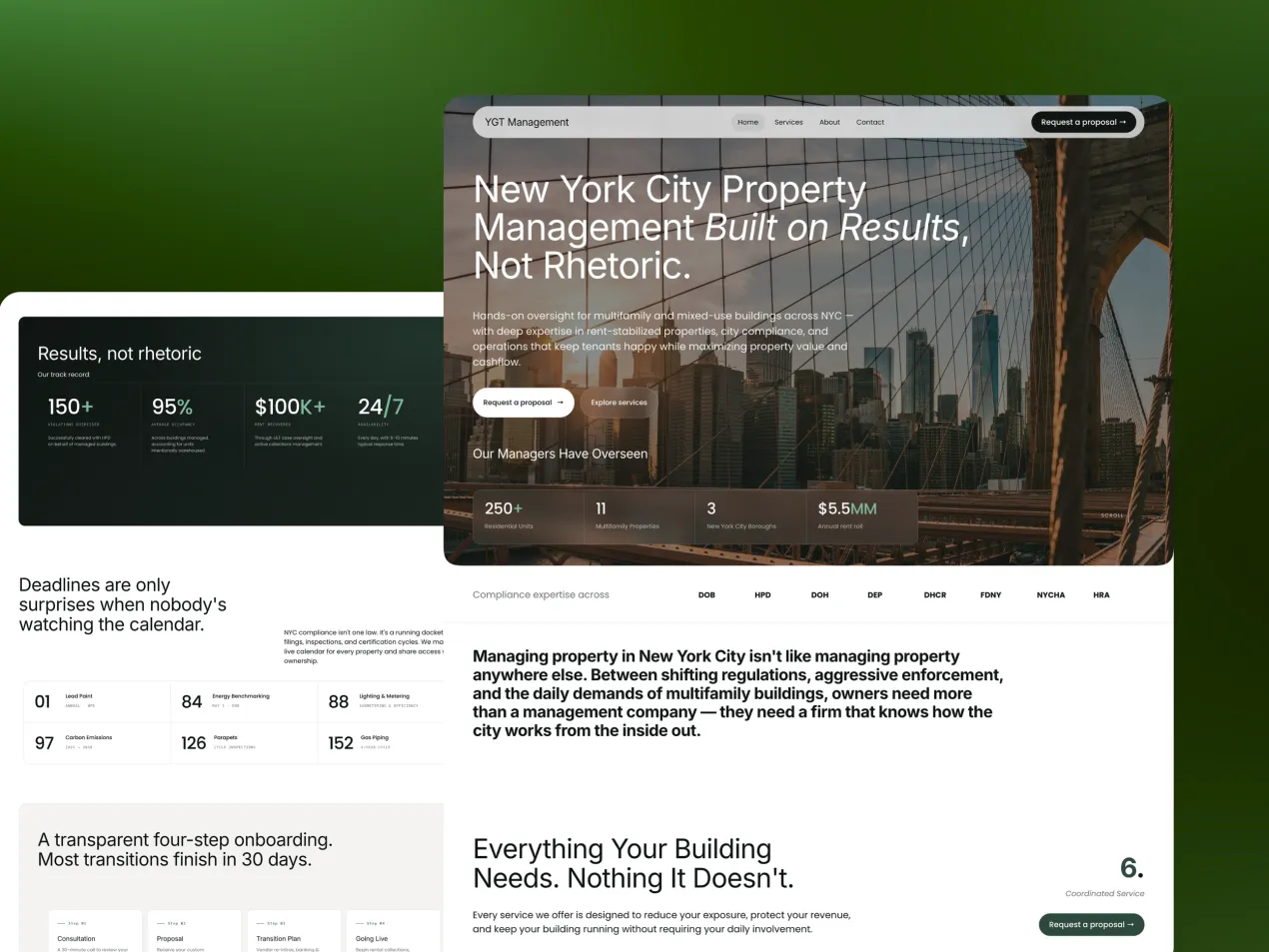
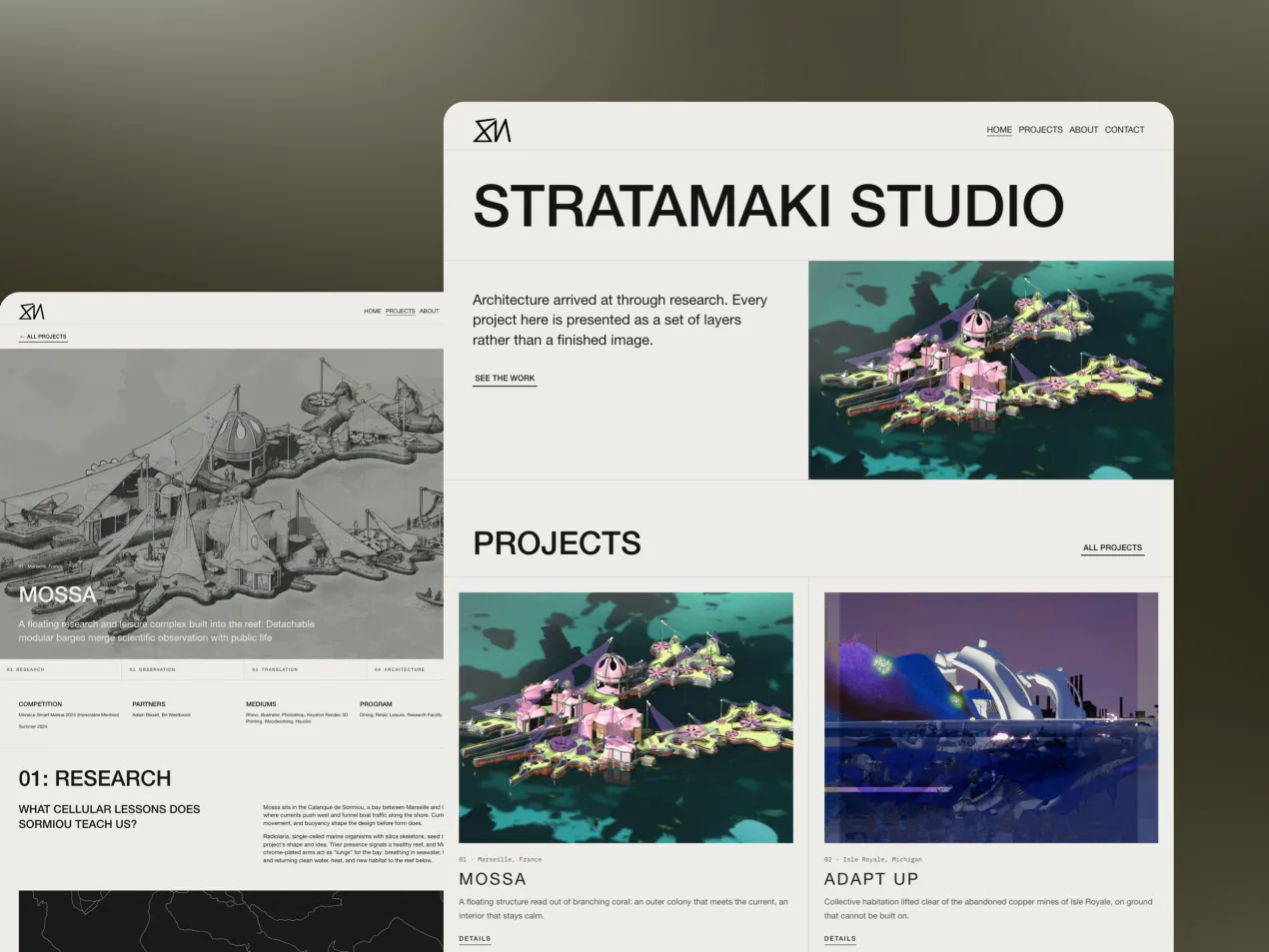
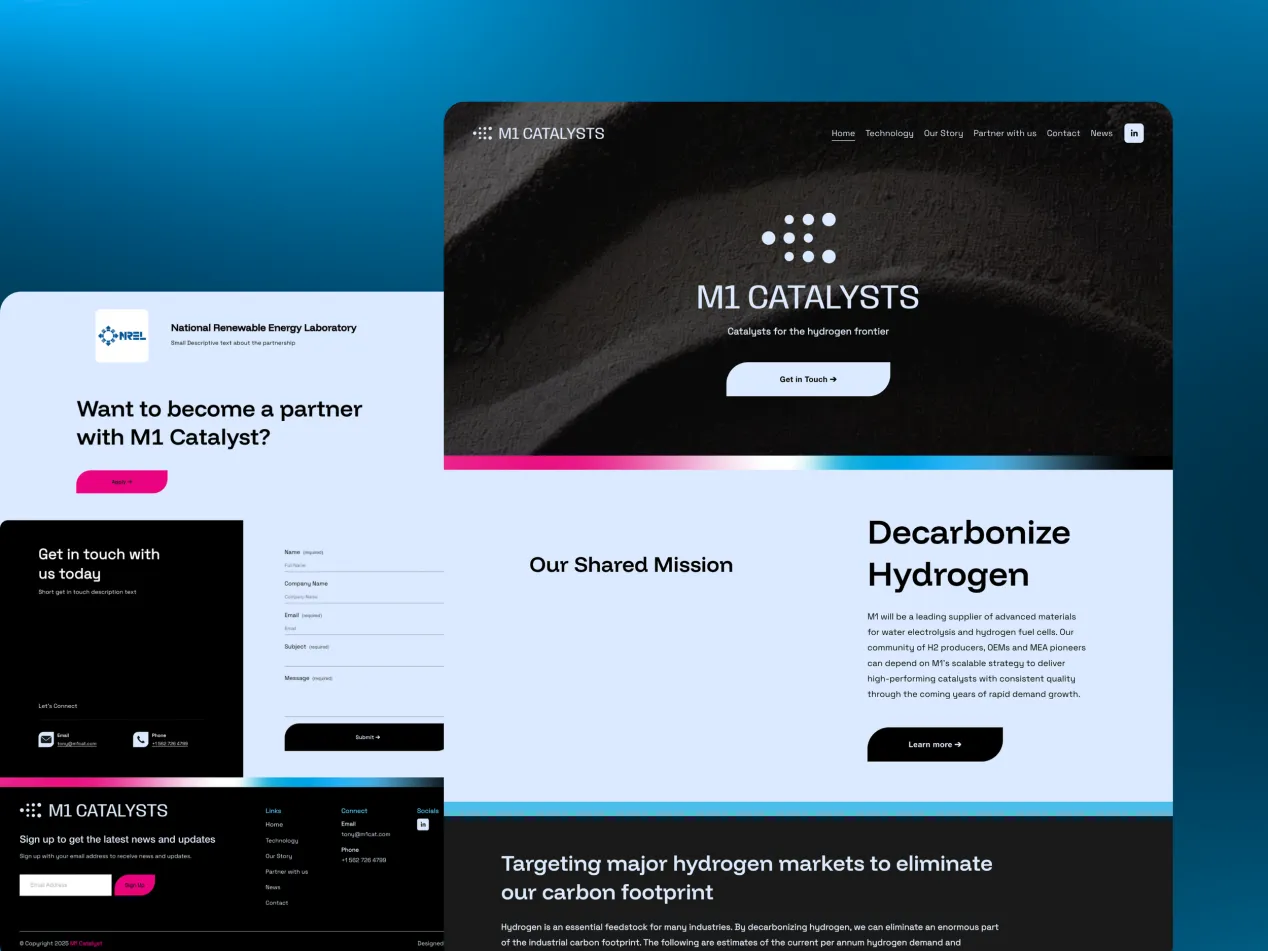




A construction company's website is checked at the moments that matter most: when a developer is drawing up a shortlist, when an architect is deciding who to recommend, when a procurement team is working through pre-qualification and when a site manager is deciding whether to join you. None of them are looking for a crane silhouette and a slogan about building the future. They want projects like theirs, proof that you deliver safely, the people they would work with and a clear way to get in touch.
Here are nine things the strongest sites in this field do, roughly in the order we would tackle them. We design websites for construction companies, contractors and home builders, so where we mention how we work, those are our own terms. For examples, see our roundup of the best construction websites.
Why the website matters
Most construction work comes through frameworks, tenders, repeat clients and referrals rather than cold searches. In every case someone checks the website before the conversation goes further. A clear site that shows the right projects, current accreditations and real people helps you stay on the shortlist, and a vague one quietly takes you off it.
Show the work you want more of
1. Sectors on the first screen
Say which sectors and project types you work in, such as education, healthcare, commercial fit-out or residential, and the region you cover. A client should know within seconds whether you build what they need.
Do this: rewrite your homepage line around the sectors you want more of.
2. Detailed project pages
Each project gets a page with the sector, scope, programme, value band where you can share it, the challenge and the outcome, with real photos. One photo and a title tells a client almost nothing.
Do this: turn your five best projects into full project pages, with client approval where needed.
3. Sector pages that link to projects
A short page for each sector, explaining your experience and linking to matching projects, helps a client find relevant work and helps search engines understand what you do.
Do this: create a page for each of your main sectors.
Prove you can deliver
4. Accreditations and memberships
List the accreditations and memberships you hold, with dates where relevant and links to the issuing body. Procurement teams check them.
Do this: remove anything expired and add anything missing.
5. Safety and quality
Explain how you manage safety and quality on site in plain words, and share figures only where you can stand behind them.
Do this: write a short safety and quality page your team signs off.
6. Client testimonials
Quotes from clients and architects that mention a specific project or result reassure the next client more than general praise.
Do this: ask three recent clients for a sentence about how the project went.
Make the next step easy
7. Your people
Clients want to know who would run their project. Introduce directors and key managers with photos and short, accurate profiles.
Do this: add a leadership and team section with real photos.
8. Careers that sell the job
Recruiting site managers and trades is often harder than winning work. A careers section with real detail on the work, training, benefits and current vacancies helps good people choose you.
Do this: write a careers page with a simple application route.
9. Contacts by region or service
Route enquiries to the right person, whether that is new business, an existing project, suppliers or careers.
Do this: check every form and email address reaches someone who replies.
What to prepare before a redesign
Before you brief anyone, gather your best projects with photos and the details clients ask about, current accreditation certificates, approved testimonials, team photos, your sector priorities for the next few years and a list of the pages that bring in enquiries today. With those in hand, the site is planned around the work you want rather than the photos you happen to have.
Photography on site
Real photos of your projects and people are the strongest proof you have. Plan photography at key stages of a build, check site safety rules before any shoot and make sure everyone pictured is wearing the right equipment. Clients and safety-minded procurement teams notice. Drone shots and before-and-after images work well when they show the finished outcome clearly.
Bids and pre-qualification
Procurement teams often visit your site during pre-qualification. A clear company information section with accreditations, policies, insurance details you are happy to share and key facts saves them time and makes you look organised. Keep downloadable documents current and dated, and remove anything superseded.
Frameworks and repeat clients
Much construction work comes from frameworks and repeat clients. Make it easy for an existing client to send a colleague your way, with a clear capabilities page, contacts by region or sector and an overview they can forward. Repeat business is often the most profitable work you have.
Local and sector search
Clients search for contractors by sector and area. Sector and area pages that match those searches, written with real local projects rather than a town name swapped into the same text, help the right clients find you. Keep your address and contact details consistent everywhere they appear.
Sustainability and community
Many clients and frameworks ask about environmental performance, local employment and community work. If you have a real story, such as waste reduction, apprenticeships or local supply chains, tell it plainly with figures you can support. If you are still building that story, leave it out rather than overclaim.
Speed on a phone
Site managers, clients and recruits often check your site on a phone between meetings or on site. Keep pages fast, compress project photos and make sure contact details and the careers page work well on a small screen. Heavy video headers and sliders slow the first impression.
Clients who are not builders
Many people commissioning construction work, such as a school business manager, a charity trustee or a first-time developer, have never run a build before. Short, plain explanations of how a project is procured, what a contractor needs from them and what happens at each stage help them feel confident choosing you. A clear page for first-time clients can win work from people who were unsure where to start.
Keep it current
Old projects, expired accreditations and people who left two years ago all cost you trust. Review the site every quarter, add finished projects as soon as they are photographed and approved, and update the careers page whenever vacancies change.
Make it fast and useful
The site should be fast on a phone; Google's Core Web Vitals explain what fast looks like. And every page should genuinely help the reader; Google's guidance on helpful, people-first content is a good test for each one.
Red flags to look for
Stock photos of hard hats
Clients want your sites and your people.
Projects with one photo and no words
A client needs scope, sector and outcome.
Expired accreditations
Procurement teams check.
No careers section
Good people will not find you.
Questions to ask before hiring help
Have you worked with contractors or construction companies? How will projects and sectors be organised? How will accreditations be kept current? Can our team add projects and vacancies ourselves? Who owns the website, the domain and the content?
The short version
Say which sectors you work in, give every key project a detailed page, show current accreditations and how you manage safety, introduce your people, take careers seriously, route enquiries to the right person and keep everything current. Our page on website design for construction companies shows how we plan and build these sites.
FAQ
What should our website include?
Sectors, detailed projects, accreditations, safety and quality, testimonials, your people, careers and contacts by region or service.
Can we show projects without naming the client?
Often, yes. Agree with each client what can be shown; we only publish what you approve.
Can vacancies be posted on the site?
Yes. We set up a careers section and connect the recruitment tool you use, if you have one.
How long does a new website take?
Launch projects usually take 4 to 8 weeks; Rebuild projects usually take 8 to 16 weeks.
Can our team update the site?
Yes. We build on Squarespace so your team can update projects, people and pages without a developer.
How much does a construction company website cost?
Our Launch projects start at $5,000 and Rebuild projects at $9,500, at fixed prices agreed before we start.