
Custom Squarespace design: Beyond the basics
This Squarespace custom design guide shows how I (Typza) create fully personalized websites for clients — going beyond templates to deliver unique branding, custom layouts, and professional functionality. Perfect for business owners and creatives who want their Squarespace site to stand out.
Written by Mikkel Calmann
Nov 7, 2025

Why a custom Squarespace design matters
While Squarespace templates provide a strong starting point, every business has unique goals, branding, and functionality needs. A truly custom Squarespace design ensures that your website:
Reflects your brand identity consistently across all pages
Guides visitors strategically through your products or services
Incorporates tailored functionality without relying solely on standard blocks
Maintains mobile responsiveness and performance standards
A professional Squarespace custom design is not about complexity for its own sake — it’s about giving your visitors a seamless, high-quality experience while making your brand stand out.

Step 1: Strategic planning for custom layouts
Every Squarespace project starts with planning. Before creating a single section or page, define:
User flow: Identify key pages and the journey visitors should take
Navigation structure: Decide which pages will appear in menus, submenus, and footers
Brand identity elements: Define typography, colors, and imagery style
Feature requirements: Determine any custom functionality like booking systems, forms, or integrations
This planning ensures your Squarespace custom design is both visually appealing and purpose-driven, avoiding ad-hoc changes during development.
Step 2: Leveraging fluid engine for full flexibility
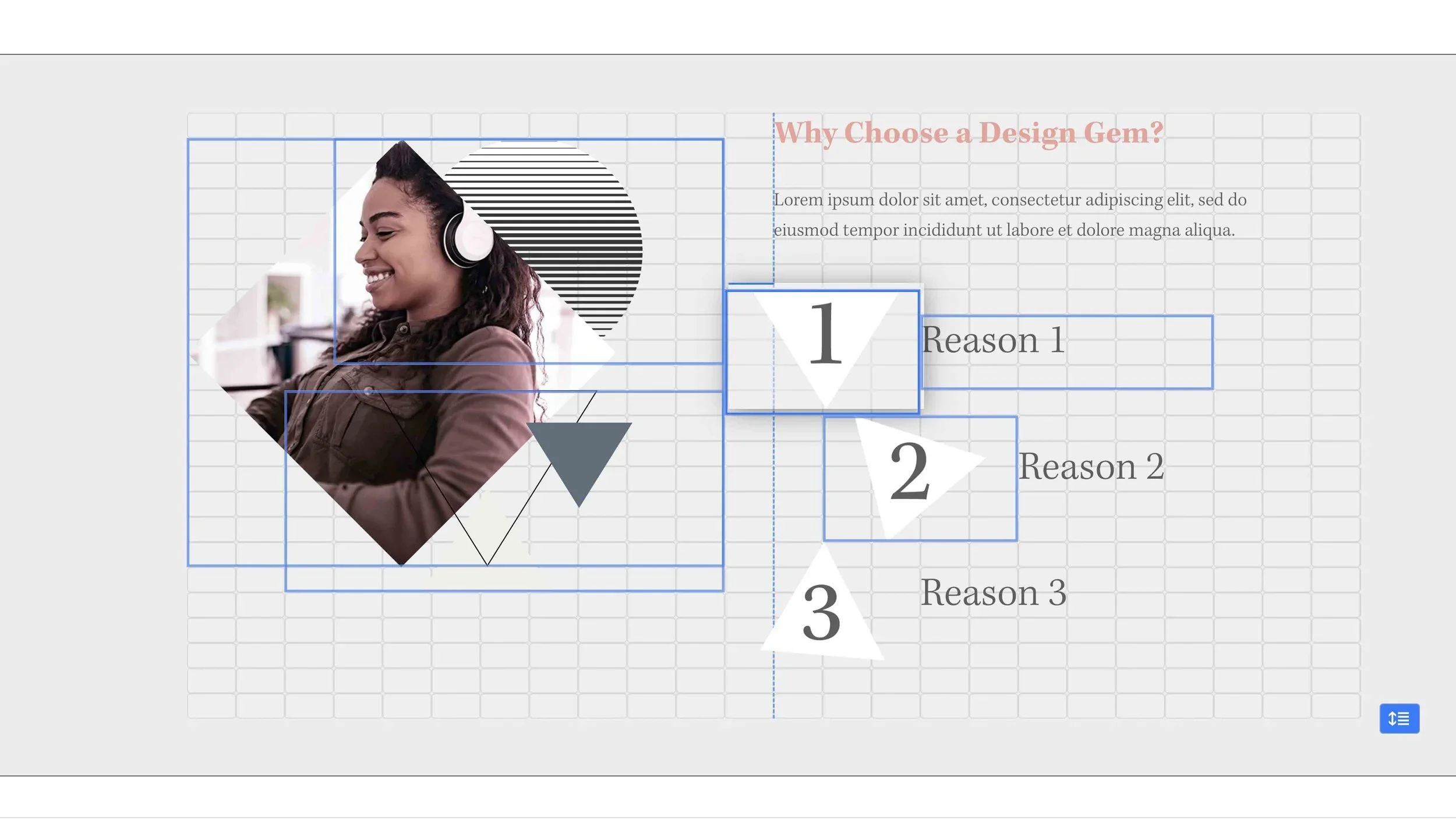
Squarespace 7.1’s Fluid Engine allows designers to create custom layouts that would be impossible in older templates. Key capabilities include:
Multi-column sections with precise spacing control
Stacking, duplicating, and reordering sections seamlessly
Dynamic resizing for mobile, tablet, and desktop
Nested layouts for complex content arrangements
For a professional custom design, Fluid Engine allows control over every section’s appearance while maintaining responsiveness. This is where templates stop being limiting and your design vision comes to life.
Step 3: Integrating custom code for advanced features
A custom Squarespace design often requires additional code for functionality beyond the native editor:
Custom CSS: For unique typography, button styles, spacing, or hover effects
JavaScript: For interactive elements like sliders, animations, or dynamic content
Third-party integrations: Booking tools, payment gateways, or analytics scripts
Proper implementation ensures your website remains stable, fast, and compatible across devices. As a designer, I always document custom code and isolate it to prevent conflicts with updates.
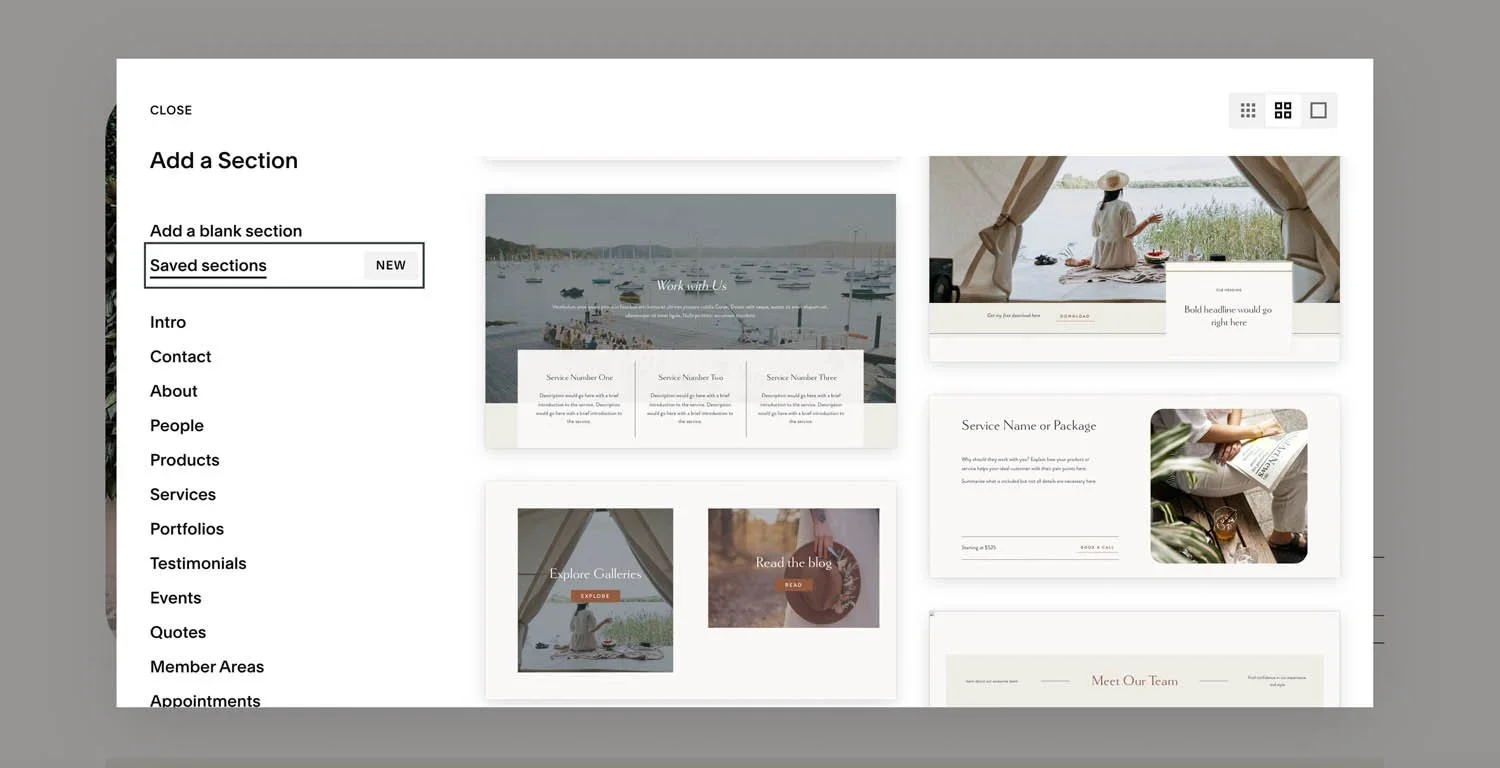
Step 4: Branding and visual consistency
Professional Squarespace custom design is about meticulous attention to branding:
Typography hierarchy: Ensures headings, body text, and calls-to-action are consistent and readable
Color system: Defined primary, secondary, and accent colors applied consistently
Imagery and graphics: High-quality images, iconography, and illustrations that support the brand
Whitespace management: Adequate spacing between elements to enhance clarity and perceived quality
Consistency builds trust. Users subconsciously evaluate a site’s credibility within seconds — your Squarespace custom design must look intentional from every angle.
Step 5: Testing, optimization, and performance
Even after the visual design is complete, a professional custom Squarespace website requires rigorous testing:
Mobile and tablet responsiveness: Fluid Engine makes this easier, but every section still needs validation
Page load speed: Large images or scripts can slow a site; I optimize images and minify code where necessary
Cross-browser checks: Ensures compatibility with Chrome, Safari, Edge, and Firefox
SEO basics: Structured headings, alt text for images, and meta descriptions integrated into each page
This phase ensures that your Squarespace custom design isn’t just beautiful, but fully functional and optimized for real users and search engines.
Step 6: Launching and iterating
Publishing a Squarespace custom design is only the beginning. Professional sites require:
Monitoring performance and analytics for user engagement
Adjusting sections or layouts based on feedback
Adding content strategically to improve SEO and conversions
Squarespace 7.1’s intuitive editor allows business owners to make minor updates themselves without compromising the custom design’s integrity.
Short recap
Creating a Squarespace custom design goes far beyond simply editing templates. It begins with careful planning, defining your brand, user flow, and the structure of your site. Using Fluid Engine, every section and layout can be customized to match your vision while maintaining responsiveness across devices. Advanced features can be added with custom code, ensuring your site is both functional and unique. Consistent branding, typography, and imagery give the website a polished, professional look that builds trust with visitors. Finally, thorough testing, performance optimization, and ongoing refinement ensure that your custom Squarespace site not only looks exceptional but also delivers a seamless, high-performing user experience.
Flexible custom packages.
Three tiers scoped for where you are and where you're going. Not sure which fits? Book a call — we'll go over your project together and make sure you land on the right one.
Launch build
Look credible, fast.
$2,500starting from
A focused, conversion-aware website that gives you confidence sharing your link anywhere.
- Up to 4 structured pages
- 1 focused revision round
- Fully mobile-optimised
- SEO foundations included
- Launch-ready in 3 weeks
- 30 days email support
Best for businesses launching or replacing an outdated site.
Start your projectAuthority build — Most popular
Elevate your brand.
$4,000starting from
A refined, strategically designed website that positions your business as established and credible.
- Everything in Launch, plus:
- Up to 7 pages
- Custom styling & layouts
- 2 revision rounds
- Blog integration
- 5-week build timeline
- Training walkthrough
Best for growing businesses that want their site to reflect their expertise.
Start your projectScale build
No limits. Full depth.
$8,000starting from
A fully bespoke build with advanced functionality, custom code, and no artificial constraints.
- Everything in Authority, plus:
- Unlimited pages
- Unlimited custom code
- Unlimited revisions
- Plugin costs covered
- Priority support
- Complete SEO setup included
Best for established businesses investing in a long-term digital foundation.
Start your project
Mikkel Calmann
I’m Mikkel Calmann, a certified Squarespace designer and Circle Member. We’ve worked with businesses of all sizes, crafting strategic websites that look great and perform even better. If you’d like to discuss a project, feel free to email us at mikkel@typza.com or reach out to us here. You can also book a free 15-minute consultation here.