
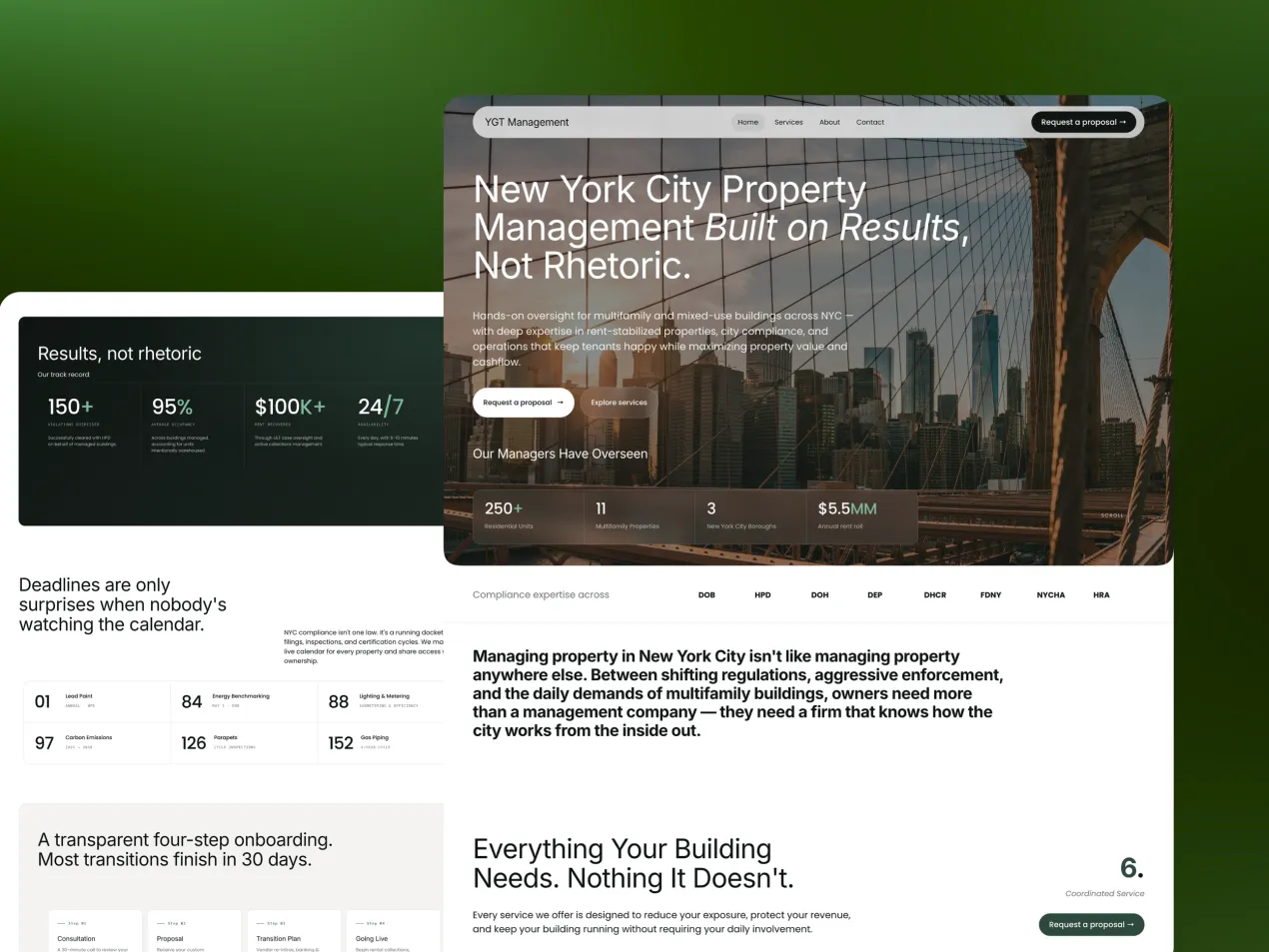
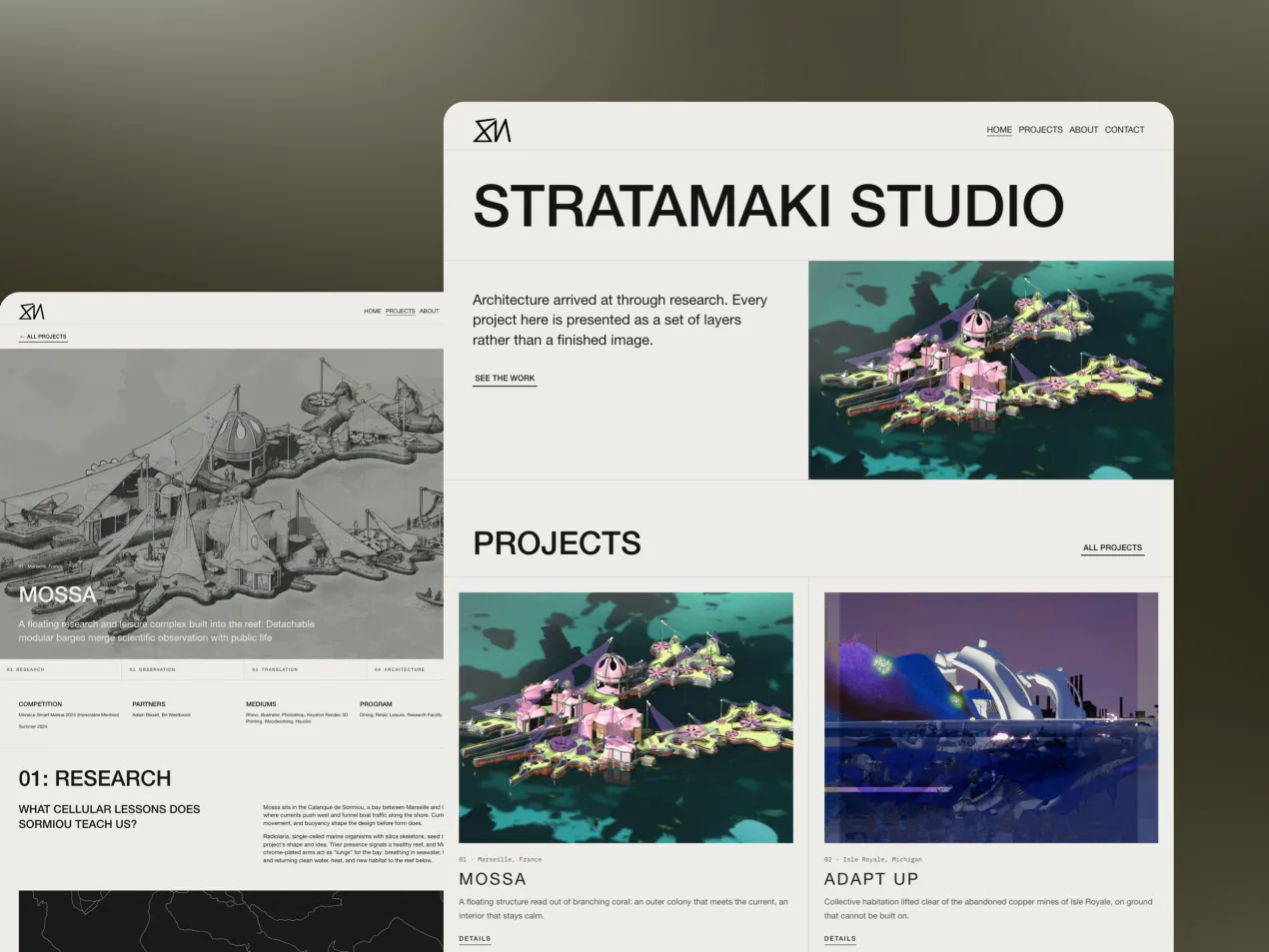
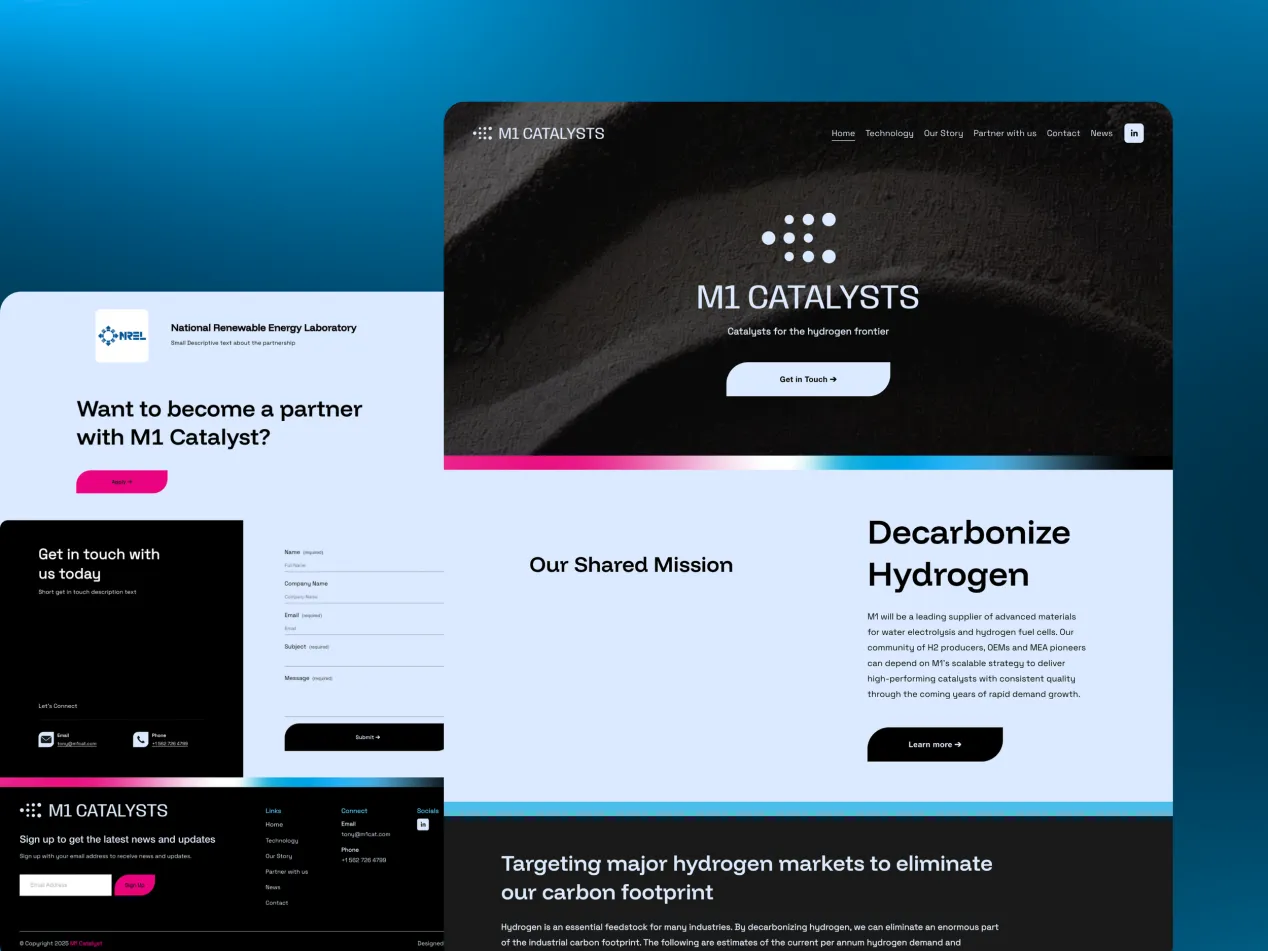




Software teams can build almost anything, so the marketing site often ends up as a side project for an engineer or a founder late at night. It works until it does not: the product has moved on, the pricing page is confusing, buyers cannot tell how you differ from three competitors and every change waits for a developer. The SaaS website cost question is really about what it takes to fix that: positioning, product pages, pricing, proof, comparison pages and a site the marketing team can update without a ticket.
This guide explains the main levels, what each includes and who it suits. We design websites for SaaS companies, tech startups and other software businesses, so the prices quoted for our services are our own. We do not quote other providers' prices; ask them directly. If you are weighing a template first, see our guide to SaaS website templates.
What a SaaS website costs, and why prices vary
A SaaS marketing site usually needs a homepage that states the problem and the outcome, product or feature pages, solutions by role or industry, pricing, customer stories, integrations, comparison pages, a resources section, security and trust information, and a clear route to a trial or demo. Prices vary with how many of those pages are planned and written for you, how much product visual work is needed, how many integrations and comparisons the site covers and whether the site stays separate from the product app.
There are three broad levels.
Entry level: a template you build and run yourselves
What it includes: a builder plan or a theme, and your team's time. Builders are usually cheaper per month on a yearly plan; Squarespace's pricing page, for example, says paying annually saves up to 36%.
What it really costs: the plan fee plus the time of whoever builds the site, writes copy, makes product screenshots and keeps it current. For most startups, that time comes from founders or engineers.
Who it suits: pre-launch and early-stage products testing a message.
Price range: the plan or theme, plus internal time.
Mid range: a fixed-price build of a site you have planned
What it includes: our Launch service is for companies whose positioning and copy are settled, or who are moving platforms and keeping the same message. It covers a structure and sitemap agreed before build, your design built custom in Squarespace, a separate layout for phones, existing content moved across by hand, every URL redirected so rankings hold, CRM, booking and marketing tools connected, cross-browser and cross-device testing, and a training walkthrough with 30 days of support.
Price range: from $5,000, at a fixed price agreed before we start. It usually takes 4 to 8 weeks.
Who it suits: teams with a clear message and approved copy that need a faster, better-built site the marketing team can run.
Premium: a full rebuild of positioning, copy and design
What it includes: our Rebuild service starts with discovery: your buyers, competitors and search demand. We agree positioning and message before design, write copy for every page, design from a blank canvas with a dedicated mobile layout, migrate the site with rankings protected and structure it so AI answers can cite you. We can move you from whatever platform you use now, and it includes a training walkthrough and 30 days of support.
Price range: from $9,500, at a fixed price agreed before we start. It usually takes 8 to 16 weeks.
Who it suits: companies moving upmarket, after a pivot or new funding round, or whose site no longer explains the product they sell today.
What pushes the cost up or down
Positioning. Working out a clear category, audience and difference takes discovery and agreement among founders.
Product visuals. Clean interface screens, short loops and diagrams take design time and need updating as the product changes.
Pricing page. Plans, comparisons, FAQs and enterprise routes need careful planning; it is one of the most visited pages.
Solutions pages. Pages by role, industry or use case multiply quickly.
Integrations and comparisons. Each integration or competitor comparison is a page to write and keep accurate.
Migration. Older sites with a large blog need careful redirects.
Hidden costs and red flags
Founder and engineer time. The largest hidden cost of building in-house.
Stale screenshots. Old interface images make the product look neglected.
Developer bottlenecks. If marketing needs a developer for every change, the site falls behind.
Lost rankings. A redesign without redirects can lose blog traffic built over years.
Red flags: no positioning conversation, no plan for the pricing page, no answer on who updates the site, no mention of redirects or no answer on ownership.
How to judge a quote
Ask every provider to quote against the same brief. Who writes the copy? How are product visuals made and updated? How is the pricing page planned? How many solutions, integration and comparison pages are included? How does marketing publish without a developer? How are old URLs redirected? What support follows launch? Who owns the domain, design and content?
Working out what the site is worth
Estimate the value of a new customer over their lifetime, and how much you spend bringing visitors to the site through ads, content and outbound. A site that converts even slightly better to trials or demos makes every other channel work harder. For most SaaS companies, the website is one of the cheapest levers on growth they have.
What a good SaaS website needs, at any budget
Whatever you spend, buyers look for the same things: a clear statement of the problem and the outcome, who the product is for, how it works with real product visuals, pricing they can understand, customer stories, integrations, security information, comparisons with the alternatives they are considering and a clear next step. The site should be fast; Google's Core Web Vitals explain what fast looks like. And the content should be genuinely useful; Google's guidance on helpful, people-first content is a good test for resources and comparison pages.
The pricing page
The pricing page is often the second most visited page on a SaaS site, and one of the most decisive. Buyers want to see which plan fits them, what is included, how billing works, what happens at the limits and how to talk to someone for larger deals. Budget for planning it properly: clear plan names, a comparison table that is readable on a phone, answers to common billing questions and an enterprise route. A confusing pricing page loses trials that the rest of the site worked hard to win.
Comparison and alternative pages
Buyers search for comparisons between products and for alternatives to the tool they use now. Honest, accurate comparison pages help them decide and help you be found. They need careful research, fair wording and regular checks as competitors change. Budget for a small set of the comparisons that matter most rather than many thin ones, and give someone the job of reviewing them.
The cost of keeping it current
A SaaS site changes as often as the product: new features, new integrations, new customer stories, pricing changes and launches. Decide who owns each and how quickly updates go live, and make sure marketing can publish without waiting for engineering. If your team handles it, plan updates into each release. If you would rather hand it over, our Maintain service is $1,500 a month with a standing weekly slot and a 48-hour turnaround. If you want new pages every month, such as solutions, integration or comparison pages, Grow is $2,000 a month.
How the levels compare over three years
A template you run: the plan each year, plus founder and engineer time to build and update it.
A Launch project: from $5,000 once, plus your builder plan and whoever keeps the site current.
A Rebuild: from $9,500 once, with positioning and every page written.
Ongoing help: Maintain at $1,500 a month or Grow at $2,000 a month.
What Launch and Rebuild include, side by side
Launch, from $5,000, usually 4 to 8 weeks: a structure and sitemap agreed before build; your design built custom in Squarespace; a separate layout for phones; existing content moved across by hand; every URL redirected so rankings hold; CRM, booking and marketing tools connected; cross-browser and cross-device testing; a training walkthrough and 30 days of support.
Rebuild, from $9,500, usually 8 to 16 weeks, moving from whatever platform you use now: discovery into your buyers, competitors and search demand; positioning and message agreed before design; copy written for every page; custom design from a blank canvas with a dedicated mobile layout; full migration with rankings protected; a structure AI answers can cite; a training walkthrough and 30 days of support.
What to prepare before you ask for quotes
Prepare a short brief: who the product is for and the problem it solves, your main competitors, your plans and pricing, customer stories you can share, your integrations, security information, the trial or demo flow, the tools you use and your current site's most important pages. Share the same brief with every provider.
Customer stories and proof
B2B buyers want to see companies like theirs succeeding with the product. Customer stories with the customer's situation, why they chose you, how they rolled it out and the measurable result, with their approval, do more than a wall of logos. Budget for interviewing customers, writing the stories and getting sign-off, which often takes longer than the writing. Start with three customers who match the buyers you most want, and plan a simple template so each new story is quick to add.
Common mistakes when budgeting
Letting engineering own the marketing site. Changes slow down.
Spending on design before positioning. Buyers read the words first.
Ignoring the pricing page. It decides many trials.
No owner after launch. Stale screenshots and features are noticed.
Questions to ask yourselves before choosing
Could a buyer tell what we do and for whom in ten seconds? Is our pricing page clear on a phone? Can marketing publish without a developer? Do we agree on our positioning? Who will keep the site current? Your answers usually point clearly to one of the three levels.
Conclusion
A SaaS website can cost little more than a builder plan if your team builds and runs it, a fixed price from $5,000 for a well-built site whose message is settled, or from $9,500 for a full rebuild of positioning, copy and design. The right choice depends on whether your positioning is agreed, how much needs writing and who keeps the site current.
Whichever you choose, explain the outcome, make pricing clear and give marketing control. Our page on website design for SaaS companies shows how we plan and build these sites.
FAQ
How much does a SaaS website cost?
From a builder plan plus internal time, to our Launch projects from $5,000 and Rebuild projects from $9,500, at fixed prices agreed before we start.
Should the marketing site be separate from the product?
Usually, yes. A separate marketing site lets marketing publish without engineering.
What is the difference between Launch and Rebuild?
Launch builds a site whose message and copy are settled. Rebuild works out positioning first and writes every page.
How long does a SaaS website take?
Launch usually takes 4 to 8 weeks; Rebuild usually takes 8 to 16 weeks.
Will we lose our blog traffic when we move?
Not if old URLs are redirected properly. Both Launch and Rebuild include migration and redirects.
Can you keep the site current after launch?
Yes. Maintain is $1,500 a month for upkeep, and Grow is $2,000 a month for new pages every month.