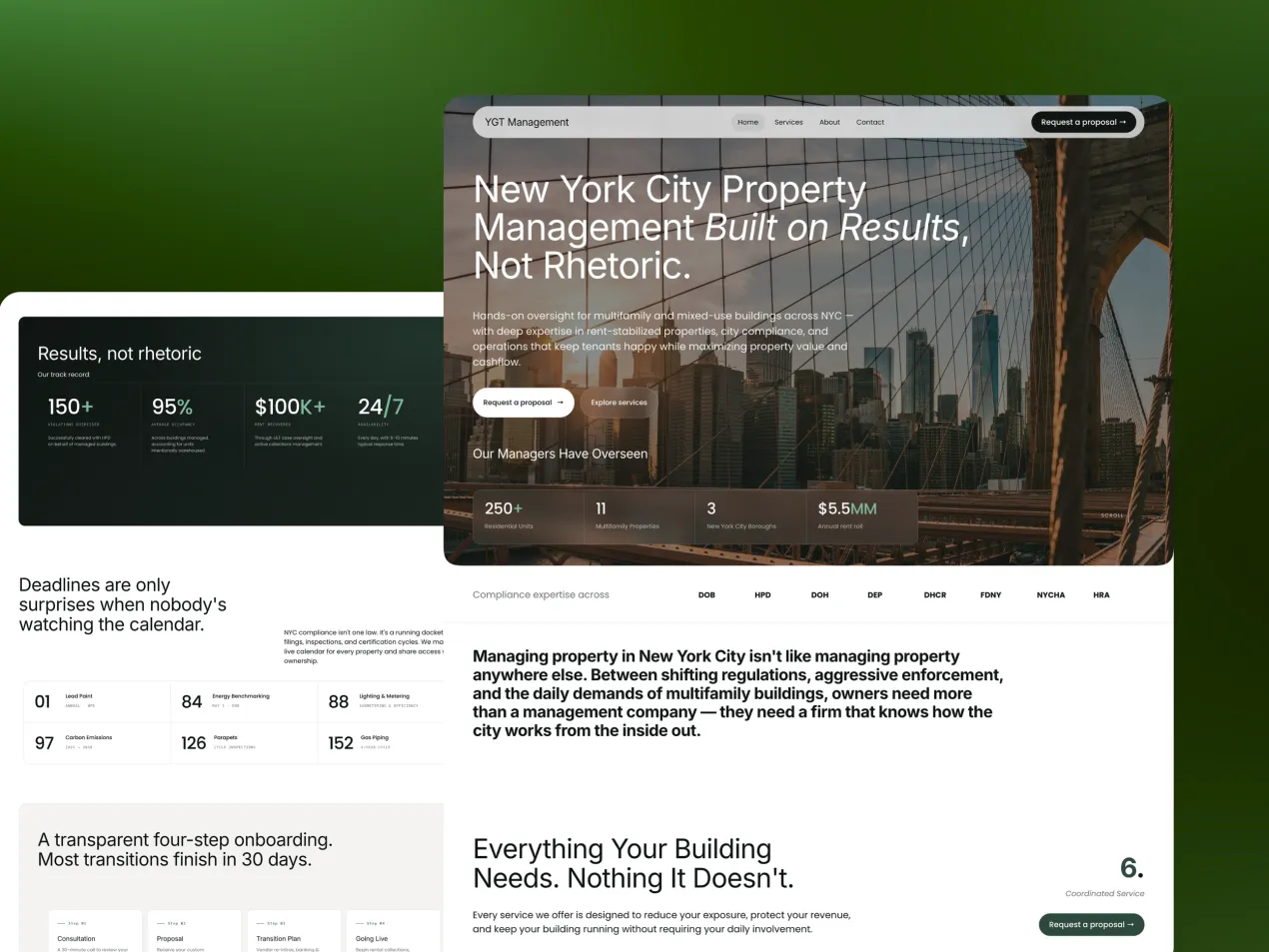
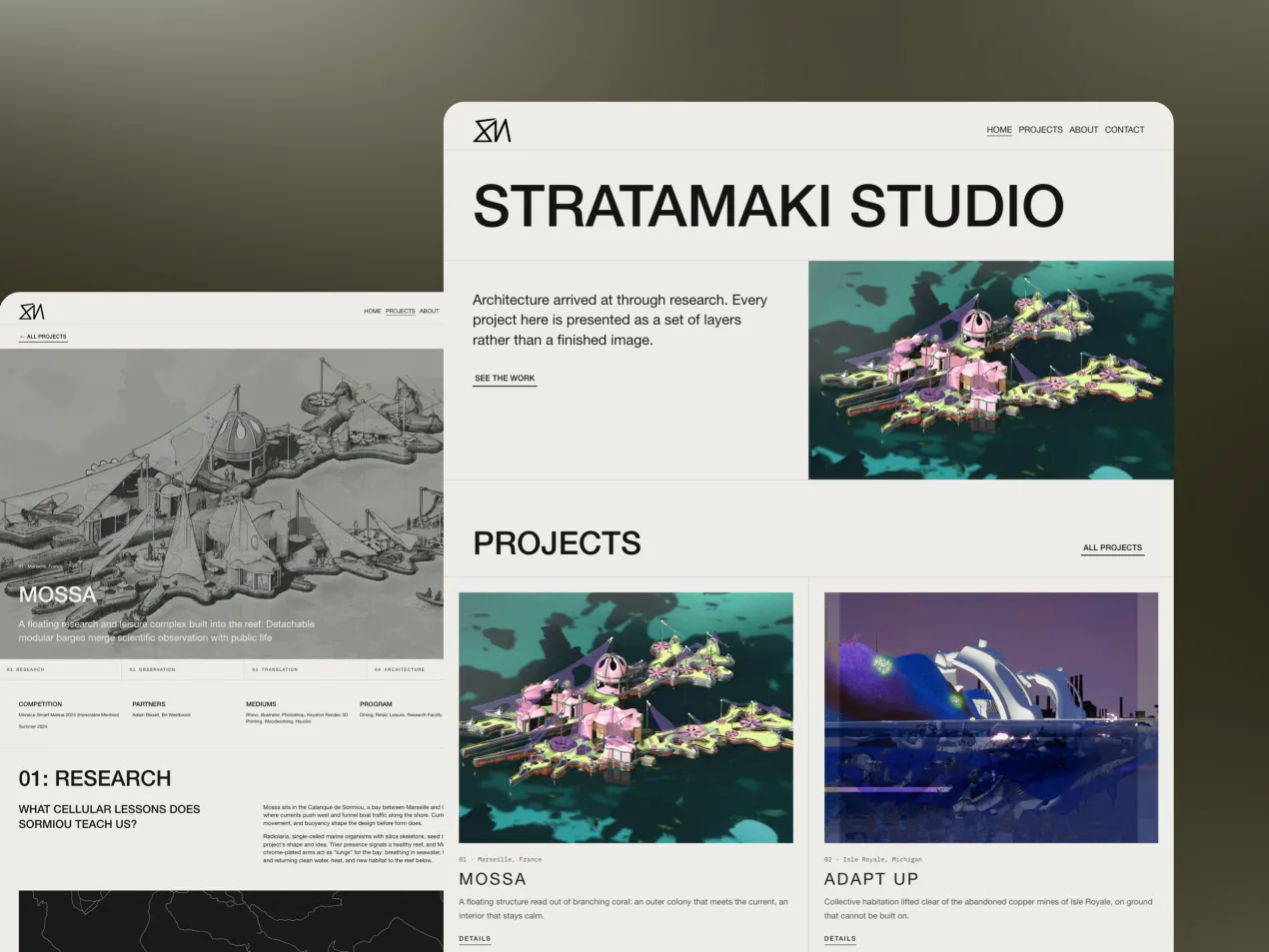
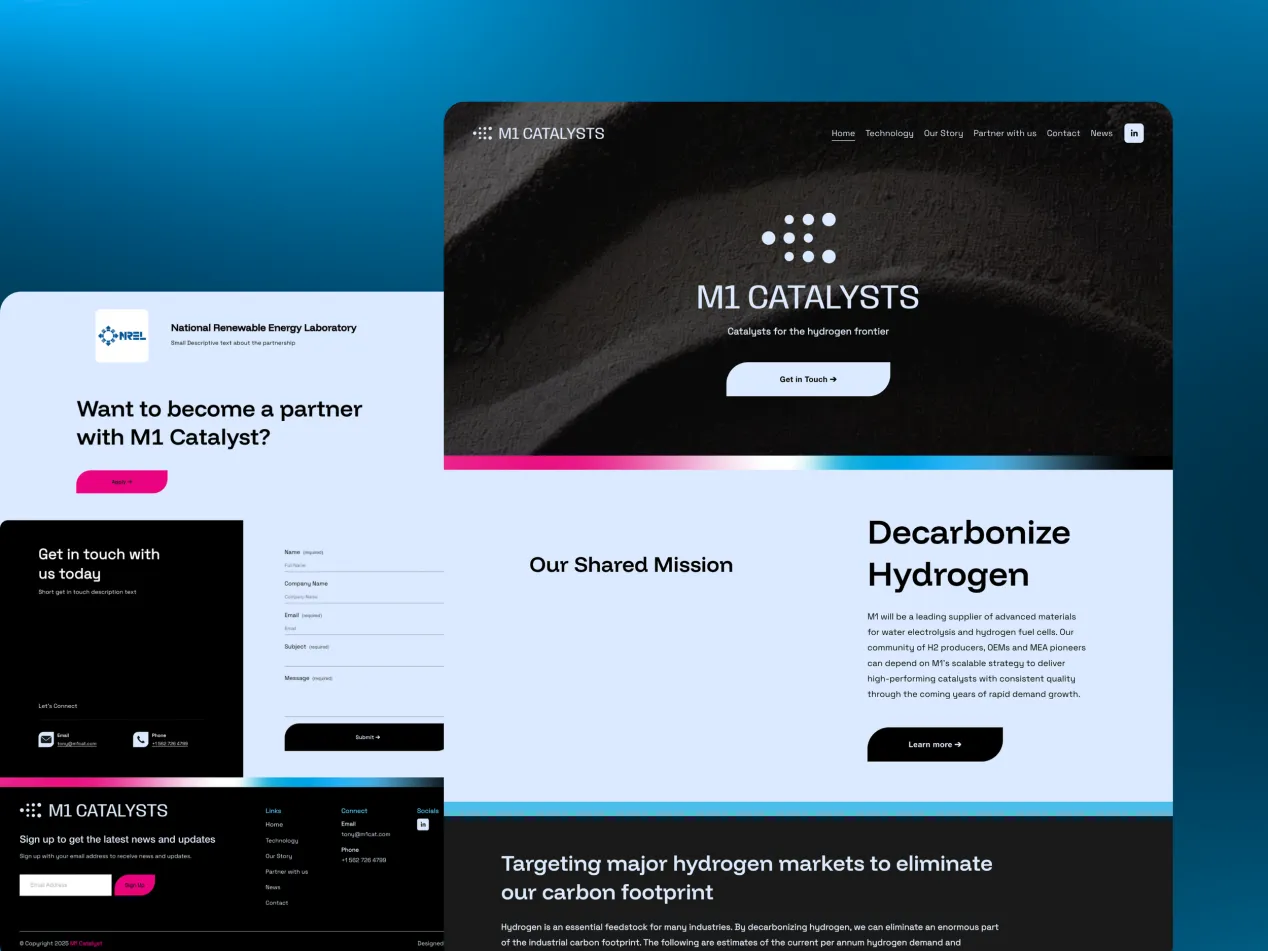




A home builder website template is an easy way to look established. Most builder templates come with a big hero photo, a gallery, a few floor plan blocks and a contact form, and they can be live in a week. For a small builder with a handful of projects a year, that may be enough. For a builder selling across several communities or offering a range of plans and options, the website has to do much more: help buyers find the right home, understand what is included and book a visit.
This guide compares a template with a custom site on cost, galleries, floor plans, communities and enquiries. We design websites for home builders, construction companies and property businesses, so where we mention how we work, those are our own terms. For ideas beyond the website, see our guide to home builder marketing.
What the comparison covers
Buyers of new homes and custom builds research for months. They want to see your finished homes, understand floor plans and options, know where you build, what it costs to start and how the process works, and judge whether you are a builder they can trust with the biggest purchase of their lives. Both a template and a custom site can show that. The difference is how well it helps buyers move from browsing to booking.
We compare them on cost, time, presentation, buyer journey, enquiries and upkeep.
Option A: a home builder website template
A template is a ready-made design from a builder platform or theme marketplace. Builder templates usually include galleries, a few property layouts and a contact form.
What it costs: the platform plan or theme licence. Builders are usually cheaper per month on a yearly plan; Squarespace's pricing page, for example, says paying annually saves up to 36%.
Who it suits: a small or custom builder with a few projects a year, or a new firm building its portfolio.
What it asks of you: photography, writing every page, organising plans and options and keeping availability current.
Option B: a custom site
A custom site is planned around how your buyers choose: by community, by plan, by price, by stage of build. Floor plans, specifications, options, availability and the sales process are built into the structure, so buyers can find the right home and book a visit without calling first.
What it costs: a fixed project fee. Our Launch projects start at $5,000 and usually take 4 to 8 weeks; Rebuild, which also reworks positioning and copy, starts at $9,500.
Who it suits: builders selling in several communities, builders offering plan ranges with options, and custom builders who want their site to match the quality of their homes.
What it asks of you: plans, photos, specifications and quick feedback.
Side by side: presentation, plans and enquiries
Cost. A template is cheaper upfront. A custom site is an investment usually judged by the value of the homes it helps sell.
Presentation. Templates show photos well, but often in the same layout as many other builders. A custom site can present each home and community with the space and detail it deserves.
Floor plans and options. Templates often treat plans as images in a gallery. Buyers want to compare plans, see sizes and options and understand what is included. A custom site can make plans searchable and comparable.
Communities and availability. Builders with several sites need community pages with maps, amenities, available homes and the sales team. Templates rarely handle this well without heavy work.
Enquiries. The best builder sites let buyers book a visit, request a brochure or ask about a specific plot in a few taps, and route each enquiry to the right sales person.
Speed. Builder sites are image-heavy. Google's Core Web Vitals explain what a fast page looks like, with the main content loading within 2.5 seconds. Heavy galleries on a template can be slow on a phone.
Pros and cons
Template, pros: fast, inexpensive, attractive galleries and full control.
Template, cons: generic layouts, plans buried in galleries, weak community structure and slow image-heavy pages.
Custom, pros: a buyer journey built around how people choose, searchable plans, community pages, routed enquiries and fast pages.
Custom, cons: higher cost and several weeks before launch.
What a strong plan page includes
Whichever you choose, plan pages are where buyers decide whether to visit.
Photos and renderings. Clearly labelled, so buyers know what is built and what is illustrated.
The floor plan. Large, zoomable and downloadable.
Sizes and rooms. Bedrooms, bathrooms, living space and garage, in the same order on every plan.
What is included and what is optional. Standard specifications and popular upgrades.
Where it is available. Communities and available plots.
Starting price or how pricing works. Where you can share it.
The next step. Book a visit, request a brochure or talk to the sales team.
Community pages that sell the location
For builders with several sites, the community page often decides whether a buyer visits. Buyers want to understand the place, not just the plots.
Where it is. A map, directions and what is nearby: schools, shops, transport and green space, described accurately.
What is available now. Plots and homes with their status, kept current.
The plans offered there. Linked to each plan page.
The sales office. Opening hours, the team and how to book a visit.
Progress. Photos of the site as it develops, so buyers can see the community taking shape. Update them every month.
Which builder suits which option
A template fits a small or custom builder with a few projects a year and mostly referral buyers.
A custom site fits builders selling in several communities, builders with plan ranges and options, and premium builders whose site should match their homes.
How to decide
Ask four questions.
Can a buyer find and compare plans on a phone? If not, structure comes first.
Does each community have a page that sells it? If not, buyers have to call.
How many enquiries go to the wrong person? Routing matters.
What is the margin on one additional home sold? Compare it with the cost.
What to check before you launch, whichever you choose
Find a specific plan on a phone in under twenty seconds. If you cannot, simplify.
Check every available home. Remove anything sold and update prices.
Book a visit yourself. Check who receives it and how quickly they reply.
Time your heaviest gallery on mobile data. Optimise images until it feels quick.
Check the warranty and process pages. Buyers want to know what happens after they reserve, during the build and after they move in, and what your warranty covers.
Ask a recent buyer to use it. They will tell you what they could not find when they were choosing.
Conclusion
A home builder website template is a reasonable start for a small or custom builder. Its limits show as you grow: plans buried in galleries, weak community pages, slow image-heavy pages and enquiries that land in one inbox. A custom site is built around how buyers choose, with searchable plans, community pages and routed enquiries.
Whichever you choose, make plans easy to find and compare, keep availability current and make booking a visit simple. Our page on website design for home builders shows how we plan and build these sites.
FAQ
Should a home builder use a website template?
It can at the start, especially for a small or custom builder. As you grow into several communities or plan ranges, a template struggles to organise everything clearly.
What should a home builder website include?
Finished homes, searchable floor plans, community pages, available homes, specifications and options, the build process, warranty information, reviews and easy ways to book a visit.
How do home builders get more enquiries online?
Make plans easy to compare, keep availability current, make booking a visit easy and reply quickly.
Should we show prices on our website?
Many builders show starting prices or ranges, which saves time for buyers and the sales team.
How do we keep image-heavy pages fast?
Optimise and resize every image, load the first photos quickly and load the rest as the visitor scrolls.
How much does a custom home builder website cost?
Our Launch projects start at $5,000 and Rebuild at $9,500, at a fixed price agreed before we start.