
Why is my Squarespace website not converting?
If you’ve been asking, “why is my Squarespace website not converting?”, this post walks through the most common causes and practical fixes. You’ll learn how to diagnose messaging, UX, technical issues, and trust signals so your Squarespace site starts turning visitors into customers.
Written by Mikkel Calmann
Mar 28, 2025

The single question every visitor asks (and why answers matter)
When people land on your site they’re trying to answer three things in seconds: What do you offer? Who is it for? How can they get it? If you can’t answer those quickly, you’re already losing conversions. Asking “why is my Squarespace website not converting?” is the right starting point — but to fix the problem you need to know which part of the experience is failing.
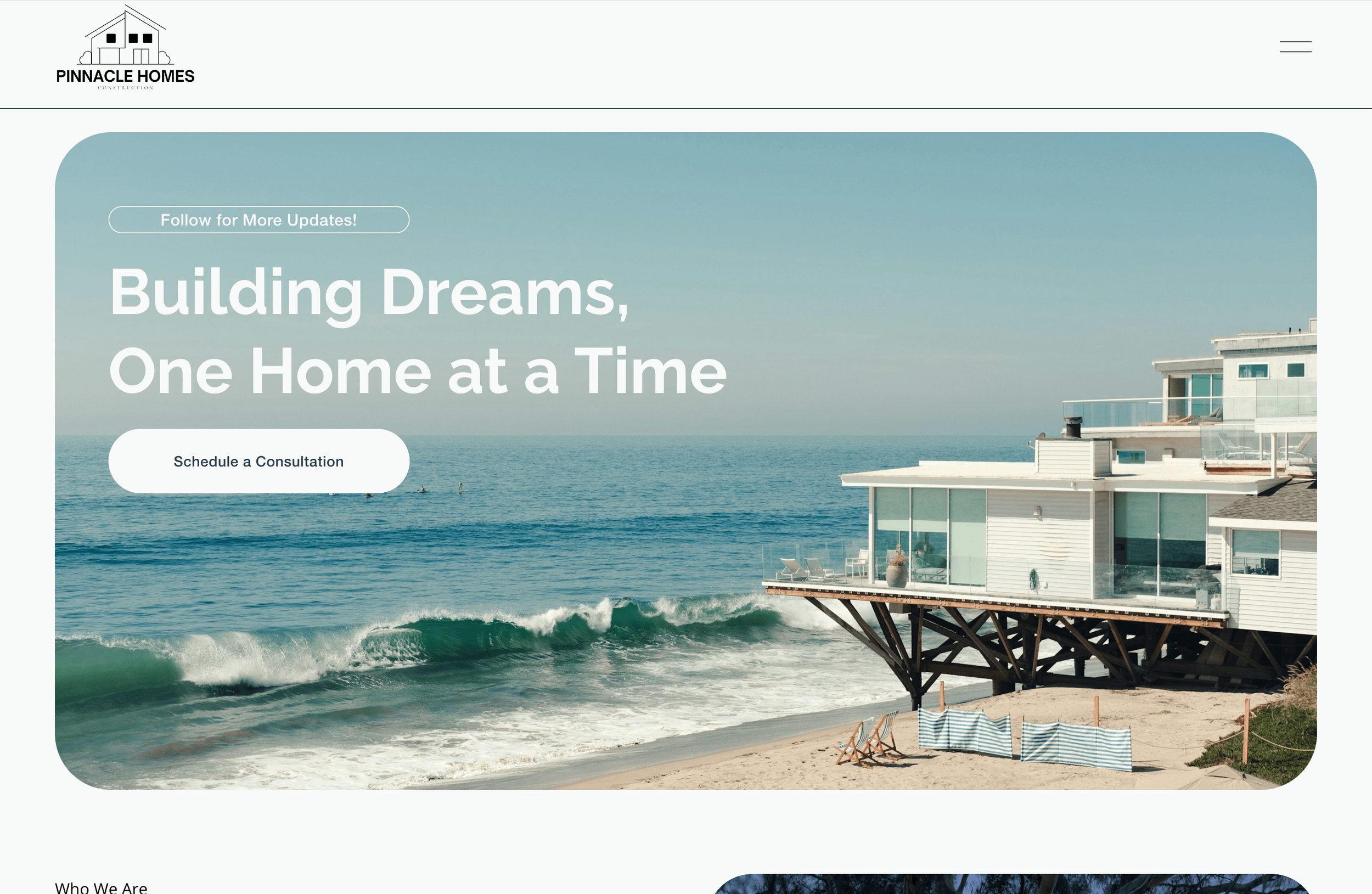
1. Clarity: messaging that converts (or repels)
A common answer to why your Squarespace website isn’t converting is unclear messaging. Even a beautiful Squarespace design won’t convert if visitors can’t immediately understand the value.
Signs your messaging is the problem:
Visitors bounce within seconds (high bounce rate).
Low time on page with reasonable traffic.
High sessions but few goal completions (form fills, purchases, bookings).
How to identify and fix clarity issues:
Audit your top pages (homepage, pricing/service pages, product pages). Can someone in 3 seconds state what you do and who it’s for? If not, rewrite your headline and subheadline to be benefit-focused.
Move benefit-oriented copy above the fold. Support it with a single primary CTA.
Replace vague marketing copy with specific outcomes and numbers (for example: “Reduce churn by 20% in 3 months” instead of “We improve retention”).
Examples from Squarespace:
Hero headline: “We design Squarespace stores that increase AOV” is better than “We build beautiful websites.”
CTA copy: “Book a conversion audit” outperforms “Contact us” because it promises obvious value.
2. User experience and friction: remove steps that kill conversions
Another core reason your Squarespace website isn’t converting is friction. Friction can be visual, structural, or technical — and it shows up as confusion or incomplete actions.
Common friction points:
Too many CTAs or competing actions on a single page.
Long forms or unclear form fields.
Overwhelming text blocks or poor visual hierarchy.
Slow page speed and heavy media.
How to diagnose and reduce friction:
Map the conversion path (entry page → product/service page → CTA → form/checkout). Each extra click or decision reduces conversions.
Limit each page to one primary action and remove distractions.
Shorten forms — ask only for what you need. Use progressive profiling if required.
Use visual hierarchy: headings, subheadings, bullets, and consistent spacing (Fluid Engine in Squarespace makes this easier).
Test speed: compress images, defer non-critical scripts, and remove heavy animations that don’t add measurable value.
Quick Squarespace checks:
Preview pages on mobile and test form flows end-to-end.
Use Google PageSpeed Insights and Squarespace analytics to identify slow pages.
Temporarily disable nonessential code injections to rule out script conflicts.
3. Trust signals and proof: the conversion multiplier
People buy from sites they trust. Look at your trust signals: social proof, credentials, and risk reduction.
Trust-signal checklist:
Testimonials and case studies with specific results (numbers, before/after screenshots).
Media logos, client lists, and recognizable badges.
Clear policies: refunds, shipping, privacy — placed where relevant.
Visible contact options and responsive customer support.
Practical ways to add trust in Squarespace:
Add a dedicated testimonials or case studies page and link to it from the homepage.
Use structured data (schema) where possible and fill meta descriptions for rich snippets.
Include a concise guarantee statement near CTAs to remove last-minute hesitation.
4. Technical issues and tracking: when conversions are hidden, not missing
Sometimes conversions are happening but not tracked — or technical problems prevent completion. If you’re asking why your Squarespace website isn’t converting, make sure the data you’re looking at is accurate.
Technical checklist:
Validate Google Analytics and goals/ecommerce tracking are installed correctly.
Confirm that conversion pixels (Facebook, Google Ads) fire on the right pages.
Test form submissions and checkout flows manually (submit test orders/forms).
Check for JavaScript errors in the console that might break functionality.
Verify redirects and URL changes after site edits so old links don’t lead to 404s.
Squarespace-specific tips:
Use Google Tag Manager (GTM) carefully — test tags in preview mode.
Reconnect Search Console and review coverage/errors after a migration or big update.
When using third-party booking or payment tools, test their callback/confirmation behavior.
5. Measurement and experimentation: fix with data, not guesswork
If why your Squarespace website isn’t converting is your daily question, adopt a measurement-first approach. Conversions improve through small, evidence-driven experiments.
A practical experimentation workflow:
Identify the highest-traffic page with low conversion rates.
Form a single hypothesis (e.g., “If I make the CTA more prominent, conversions will increase”).
Create an A/B test or sequential test (Squarespace doesn’t have a native split-test tool — use simple variations or integrate external tools).
Measure over a meaningful period and iterate based on results.
Metrics to track:
Conversion rate (by page and traffic source)
Bounce rate and time on page
Funnel drop-off points (entry → CTA click → form submission)
Revenue per visitor (if running ecommerce)
6. Content, SEO, and intent match: are you attracting the right visitors?
At times the answer to why your Squarespace website isn’t converting, is that the traffic is misaligned with your offer. Even perfect pages won’t convert irrelevant visitors.
How to diagnose intent mismatch:
Review top keywords and landing pages in Search Console.
Check referral sources: do certain channels perform poorly while others convert well?
Look at user behavior by acquisition: organic vs paid vs social.
How to fix it:
Optimize landing pages to match ad copy, keywords, or referral context.
Create targeted landing pages with tailored messaging for different audiences.
Use clearer CTAs for each traffic source (paid visitors may need more direct CTAs).
Implementation checklist for a Squarespace conversion overhaul
Use this checklist to systematically answer why your Squarespace website isn’t converting and apply fixes:
Rewrite hero headlines to state offer and target audience in under 3 seconds.
Add one primary CTA per page; make it visually distinct and action-focused.
Shorten forms; require minimal fields on first-touch.
Add explicit trust elements (testimonials, case studies, guarantees).
Test page speed and optimize images and code injections.
Verify analytics, pixels, and form tracking.
Create targeted landing pages for high-value traffic sources.
Run sequential experiments and measure changes over time.
Short Recap
If you’re wondering why your Squarespace website isn’t converting, start by diagnosing three core areas: clarity, friction, and trust. Ensure your messaging answers the visitor’s immediate questions, simplify the conversion path, and add credible proof that reduces risk. Verify tracking and fix any technical issues so your data is reliable, then run focused experiments to improve performance. By prioritizing clarity, removing friction, and proving credibility, you’ll transform traffic into measurable conversions.
Flexible custom packages.
Three tiers scoped for where you are and where you're going. Not sure which fits? Book a call — we'll go over your project together and make sure you land on the right one.
Launch build
Look credible, fast.
$2,500starting from
A focused, conversion-aware website that gives you confidence sharing your link anywhere.
- Up to 4 structured pages
- 1 focused revision round
- Fully mobile-optimised
- SEO foundations included
- Launch-ready in 3 weeks
- 30 days email support
Best for businesses launching or replacing an outdated site.
Start your projectAuthority build — Most popular
Elevate your brand.
$4,000starting from
A refined, strategically designed website that positions your business as established and credible.
- Everything in Launch, plus:
- Up to 7 pages
- Custom styling & layouts
- 2 revision rounds
- Blog integration
- 5-week build timeline
- Training walkthrough
Best for growing businesses that want their site to reflect their expertise.
Start your projectScale build
No limits. Full depth.
$8,000starting from
A fully bespoke build with advanced functionality, custom code, and no artificial constraints.
- Everything in Authority, plus:
- Unlimited pages
- Unlimited custom code
- Unlimited revisions
- Plugin costs covered
- Priority support
- Complete SEO setup included
Best for established businesses investing in a long-term digital foundation.
Start your project
Mikkel Calmann
I’m Mikkel Calmann, a certified Squarespace designer and Circle Member. We’ve worked with businesses of all sizes, crafting strategic websites that look great and perform even better. If you’d like to discuss a project, feel free to email us at mikkel@typza.com or reach out to us here. You can also book a free 15-minute consultation here.